
Context Rot
You've probably had a session where the GM starts strong but slowly gets worse. It forgets a rule you set up. It contradicts something it said earlier. It starts giving generic responses instead of ones that feel grounded in your world. This is context rot.
What's happening
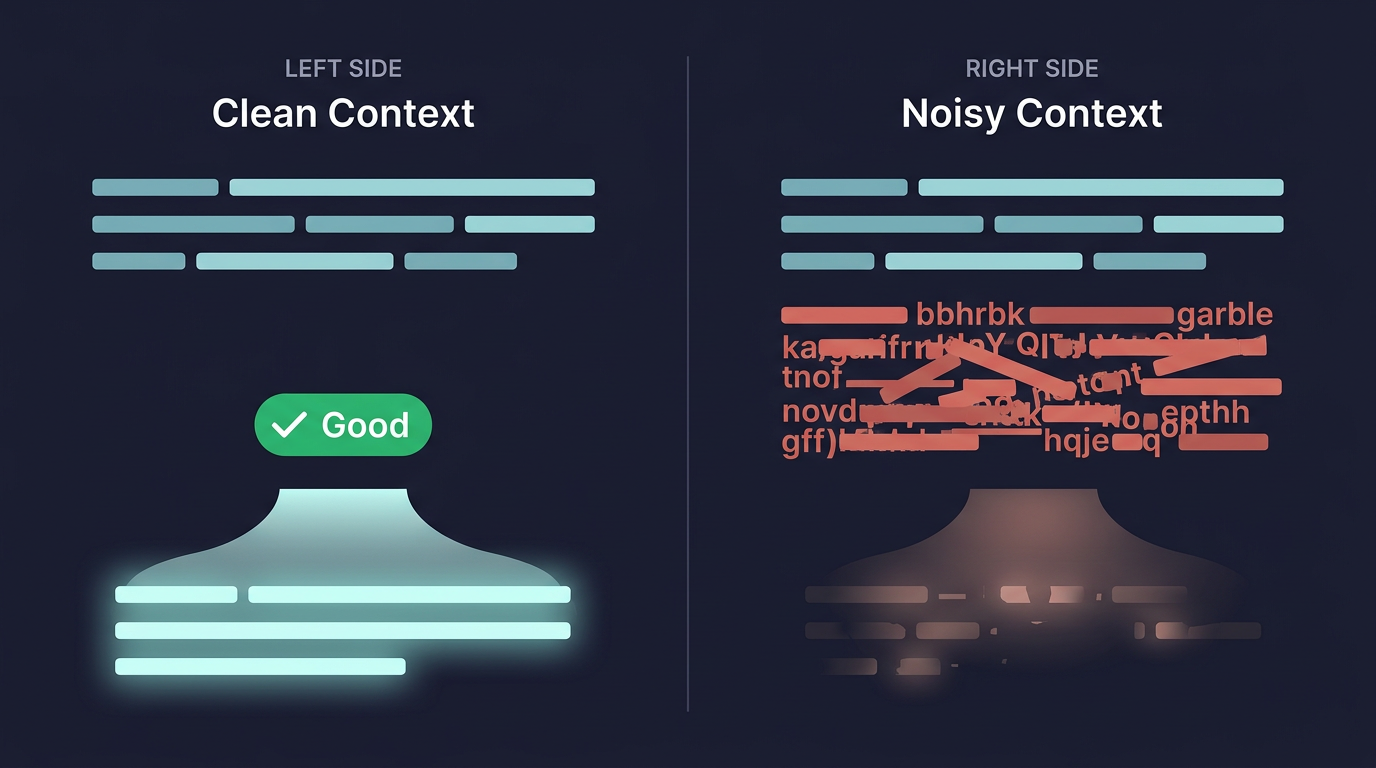
Every time the GM replies, it reads everything in its context: Craft's instructions, your always on GM Instructions, the scene and current state, the game's memory, the recent turns, the situational instructions for this moment, and every file it looked up along the way. The more there is, the thinner its attention gets.
Models get less accurate as their input gets longer, even on simple tasks and even when the right information is clearly there. Context rot is what that looks like in play: the things that matter get drowned out by the things that don't.
A few things cause it:
Too many always on instructions. Always on instructions go into every turn. If they cover combat, bartering, romance, travel and death saves, the GM reads all of it before every reply, including the turn where someone just orders a drink. The critical rules get the same weight as the nice-to-haves, and both suffer.
Repeated or contradictory instructions. When two instructions cover the same ground, or one argues with Craft's own defaults, the GM has to guess which one you meant. It may split the difference or pick one at random.
Busywork. Instructions like "read every lore file before you reply" or "check every sheet at the end of each turn" fill the GM's context with lookups it didn't need, and leave less attention for the story.
Vague, wordy instructions. Two thousand words of atmosphere take up as much room as two thousand words of clear rules, but give the GM far less to act on. It doesn't need to be inspired. It needs to know what to do.
The signs
You might be dealing with context rot if:
- The GM "forgets" rules you've set up
- Replies start feeling generic or repetitive
- The GM follows some of your always on instructions and ignores others
- The tone drifts away from what your instructions describe
- The GM seems slow, busy looking things up instead of telling the story
How to fight it
The core principle is simple: less is more. A short, focused set of instructions beats a long one every time.
- Keep always on instructions minimal. Only what the GM needs on nearly every turn: the premise, the voice and tone, your core roll, and the few rules no turn may break. Craft caps always on text at 10,000 characters, but that's a ceiling, not a target.
- Make everything else situational. A situational instruction is only given to the GM on turns where its moment comes up, and it lands right beside the player's move, where the GM pays the most attention.
- Remove duplication. If two instructions say similar things, combine them. If you disagree with one of Craft's defaults, edit Craft's version instead of adding a second rule that argues with it.
- Turn alternatives into player options. If players might want a rule to work differently, make it a player option. Only the choice the player picks goes to the GM.
- Let the GM keep its own books. The GM already remembers the story, tracks who's in a scene and where, and runs turn order in fights. You don't need instructions for any of that (see Game Memory).
- Hide files that would mislead. Old drafts and duplicates can turn up in the GM's lookups. Hide them (see Context Visibility).
Long games are handled for you. As a game grows, older turns are folded into chapters of the game's memory, so the GM's context doesn't keep growing with every turn.
See what the GM sees
You don't have to guess what's in the GM's context:
- System prompt, in the Game Master place, shows exactly what the GM gets at the start of every turn.
- Instruction tester, in the same place, shows which situational instructions would fire for a player's move.
- Inspect turn, in a reply's menu during a game, shows the situational rules the GM was given that turn, what it looked up, its dice, and what it changed. See The Game Screen.
The always on checklist
Before you make an instruction always on, ask:
- Does the GM need this on nearly every turn? If it's for a particular moment, make it situational.
- Can it be said in a few sentences? If it can't, split the one-moment parts out into situational instructions.
- Does it tell the GM what to do? Background and lore belong in your world's files, where the GM can look them up.
- Does it repeat Craft's defaults or another instruction? Combine them, or edit Craft's version.
- Is it still true? An outdated instruction is worse than none. It actively misleads the GM.
Writing GM Instructions covers how to write instructions that hold up.
Progressive Disclosure covers how the GM decides what to read.