
Patch Notes B0.16 - Nested Area Map Generation
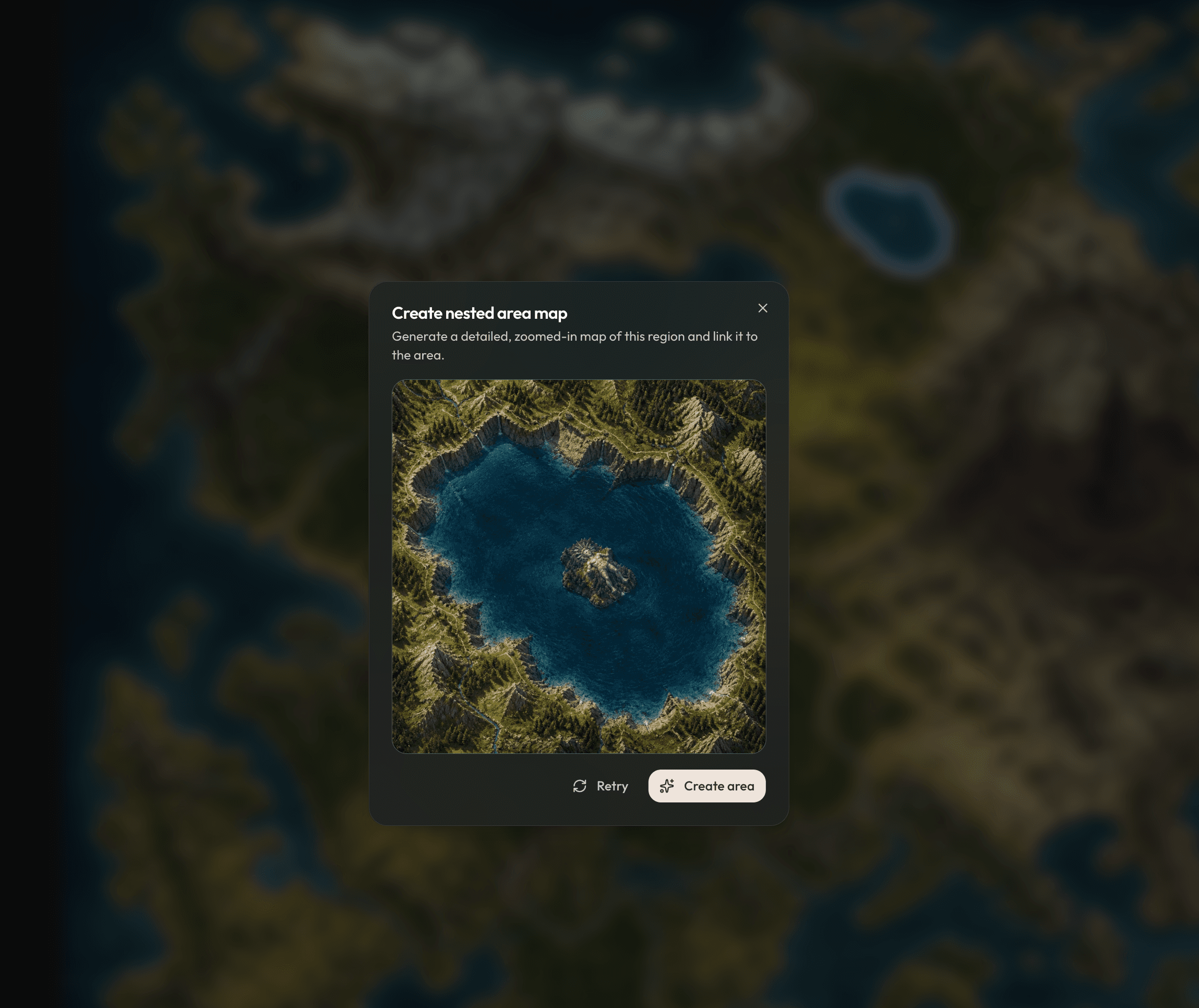
Have a fun feature for you guys this week! We know most of you start your worlds from one big world map. The issue is the image you are using is not super high resolution, and you have to generate separate images for smaller sections of the map. Getting them to be consistent is hard. So we've added a feature to make this much easier: Nested area map generation. Here's how it works:
Start with a world map image
You can see here I've started with a pretty generic world map. But see this lake? Let's create a map for this lake.
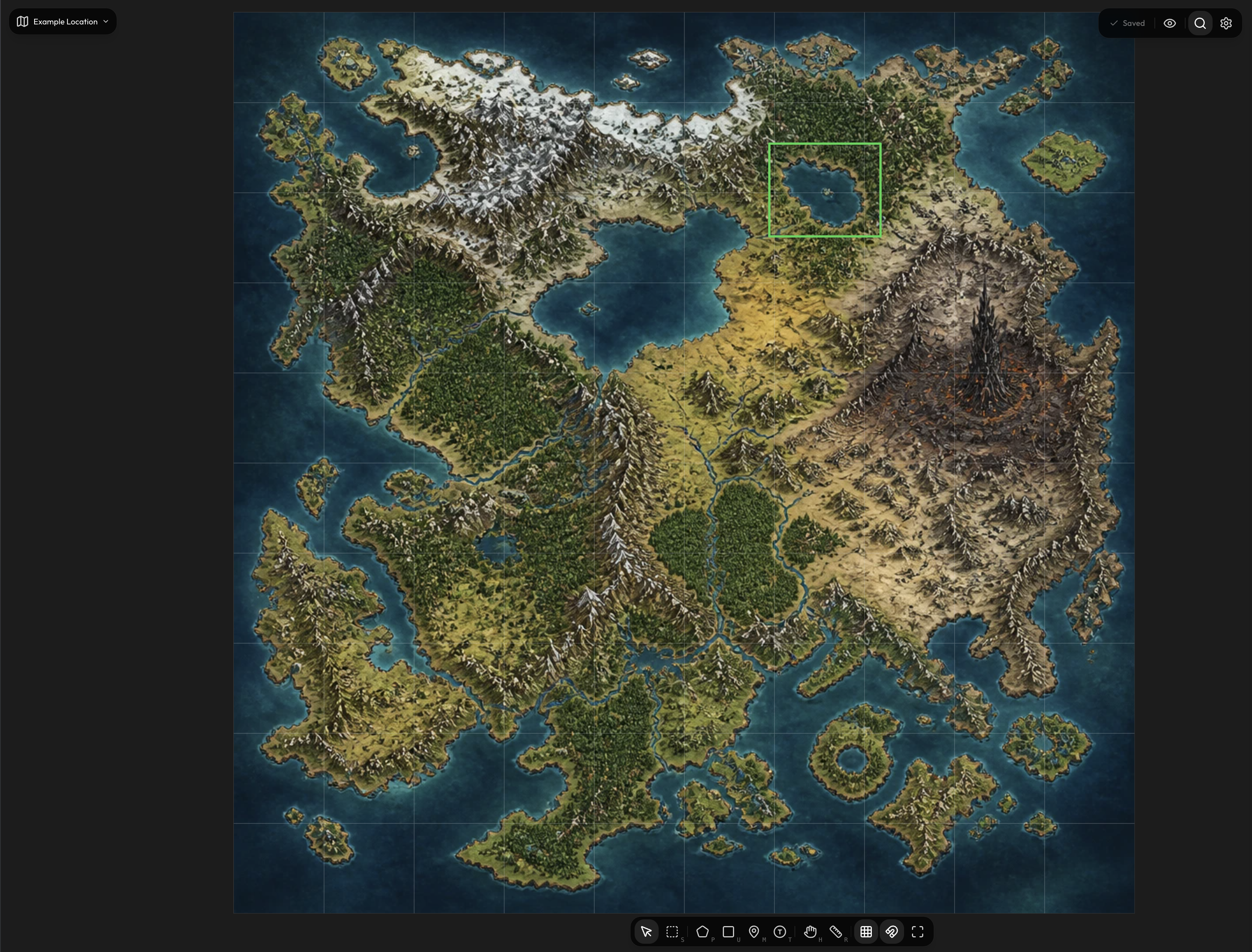
Draw a polygon and then click "Create new location"
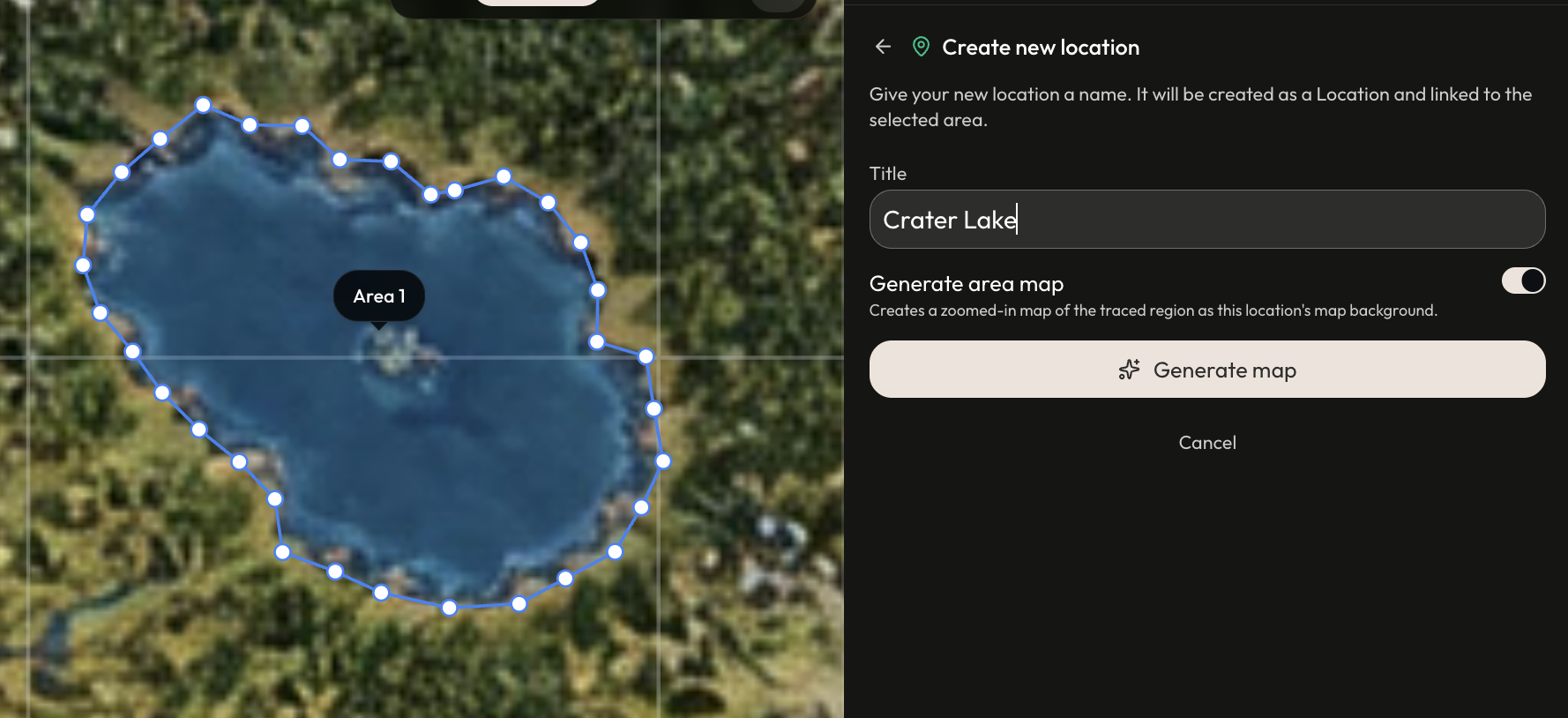
Make sure "Generate area map" is toggled on. If you do that, you'll get additional map generation steps. If it's toggled off, you'll go through manual creation.
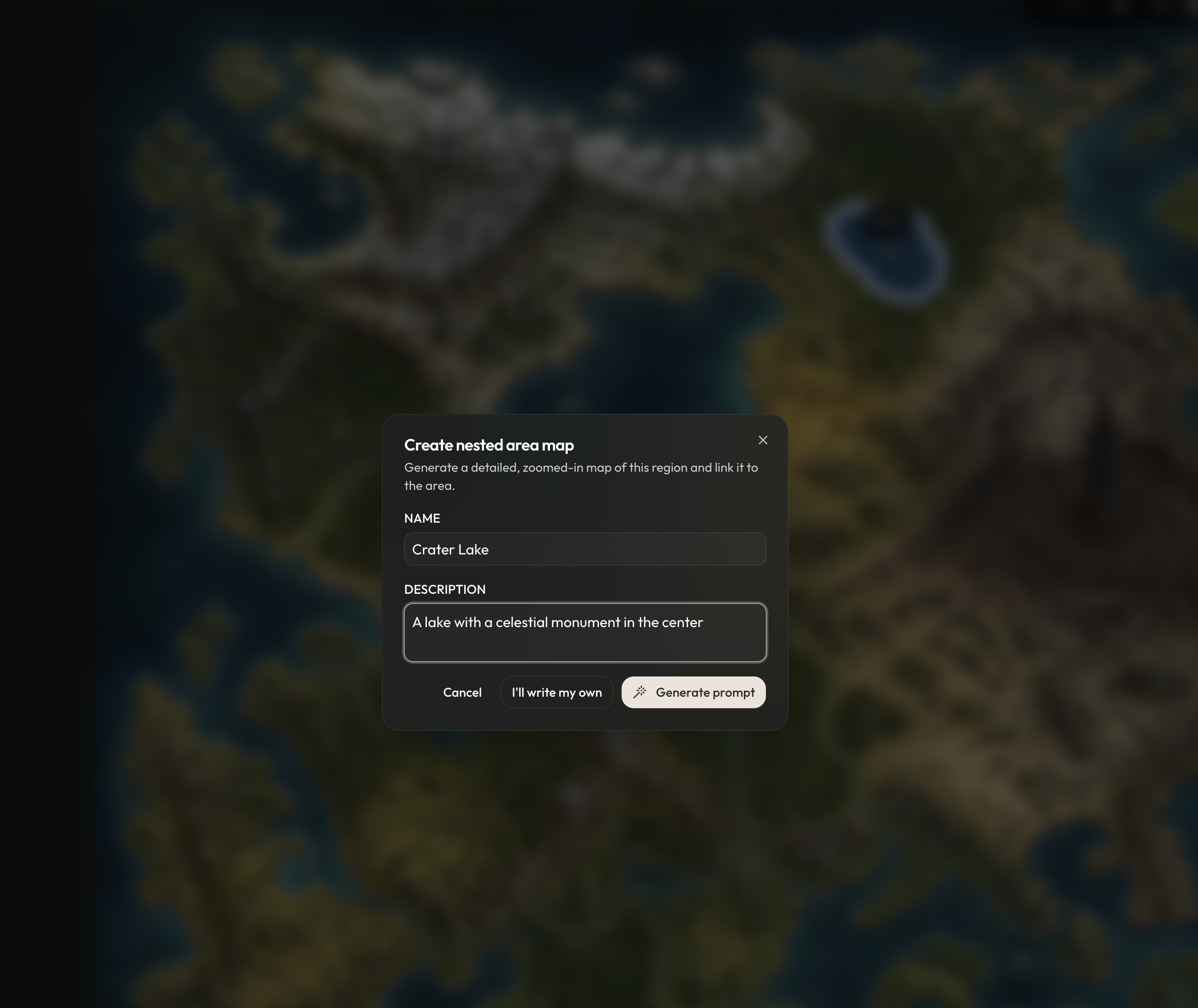
Describe the location
Your name and description will be used to give the upscaler a better sense of what should be there. You see in this world map that there's something in the center of the lake but we can't tell what it is. In the description I say "a celestial monument".
Map is generated!
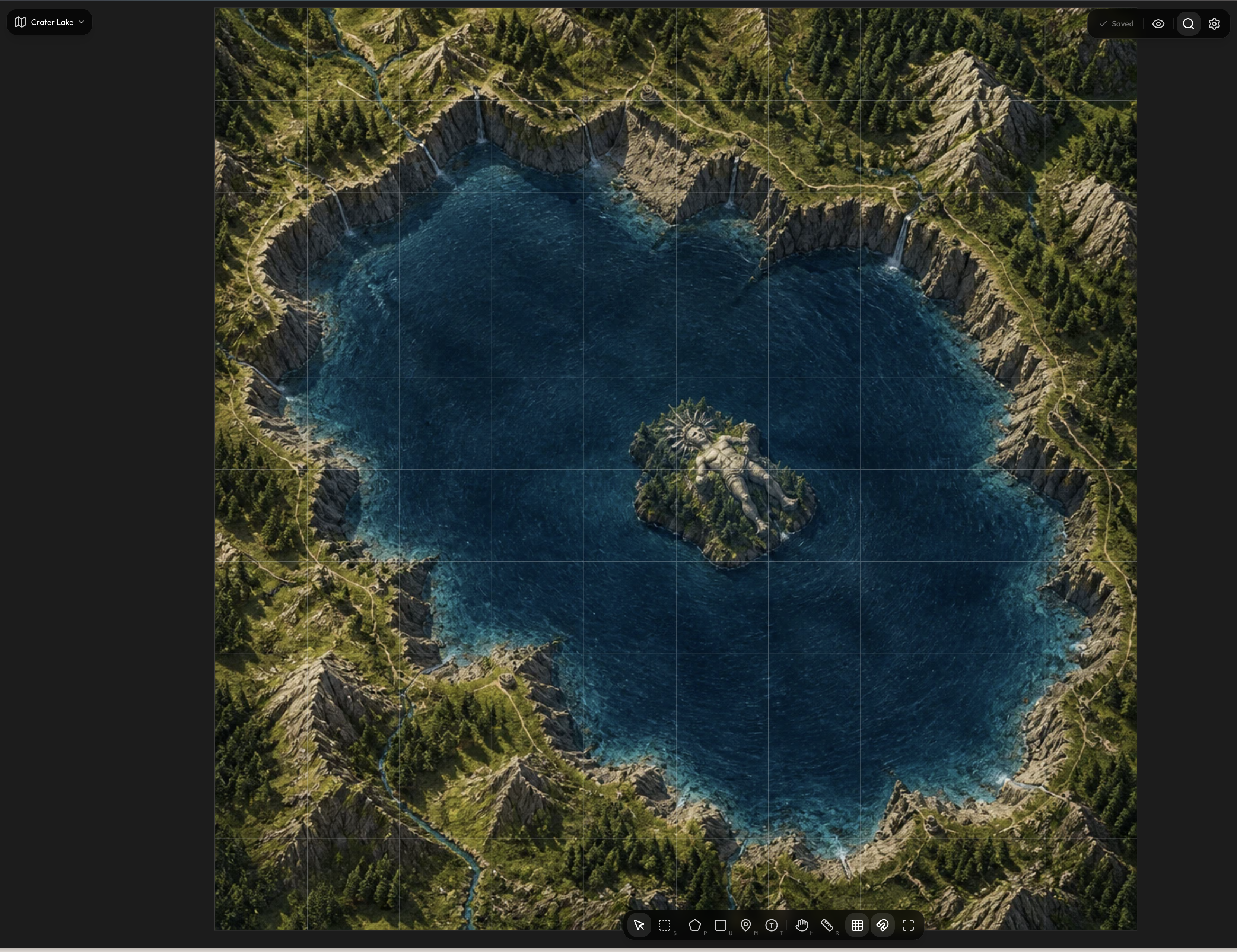
Check it out! We now have crater lake, with a celestial being in the center. The lake's shape matches the world map, but has a lot more detail than before.
We hope this feature makes it easier for you to build consistent and amazing worlds!