
Patch Notes B0.06 - Flows
In this patch, you can now create flows to guide players through the character creation process and to give an introduction to your game before the character selection screen. You can think of flows as a hybrid between a player questionnaire and a slideshow of content you want to surface. Let's go through a couple of examples.
Game Preludes
Use game preludes to give players an introduction to your project before they jump into game start and character selection. To create a prelude, go to your project settings and you'll see a new tab for Prelude.
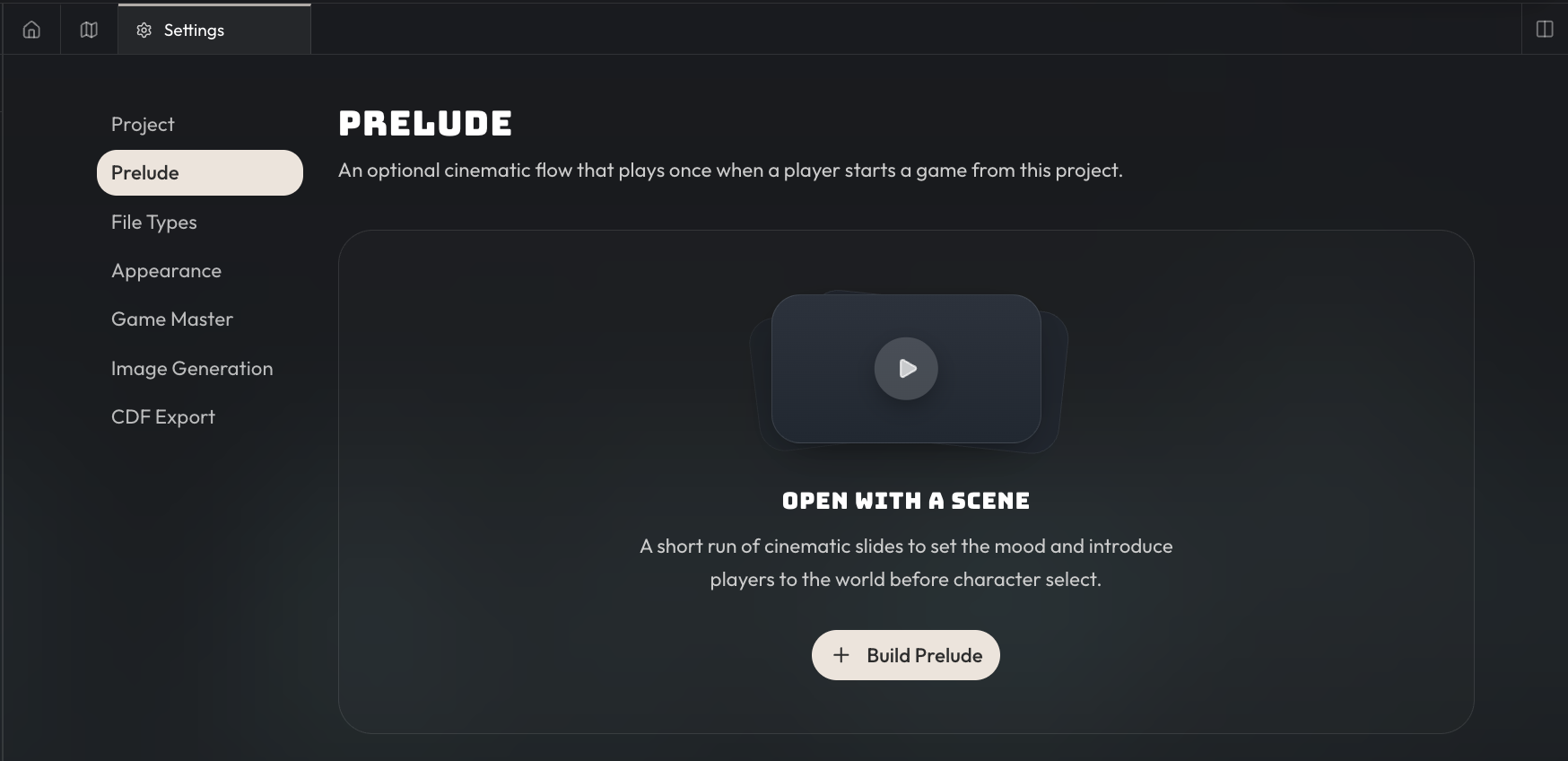
When you click on build Prelude, you'll be taken to the flow creation screen.
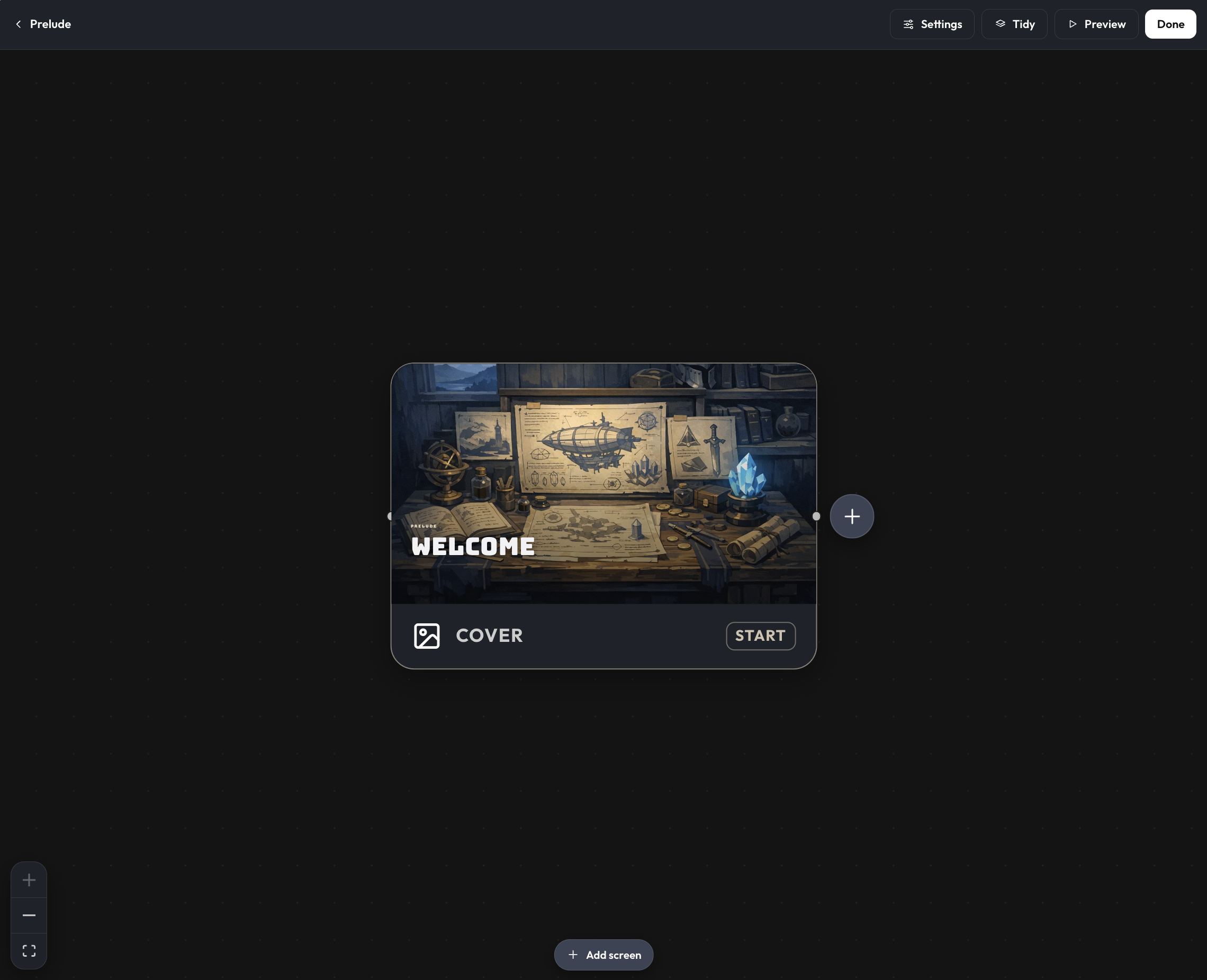
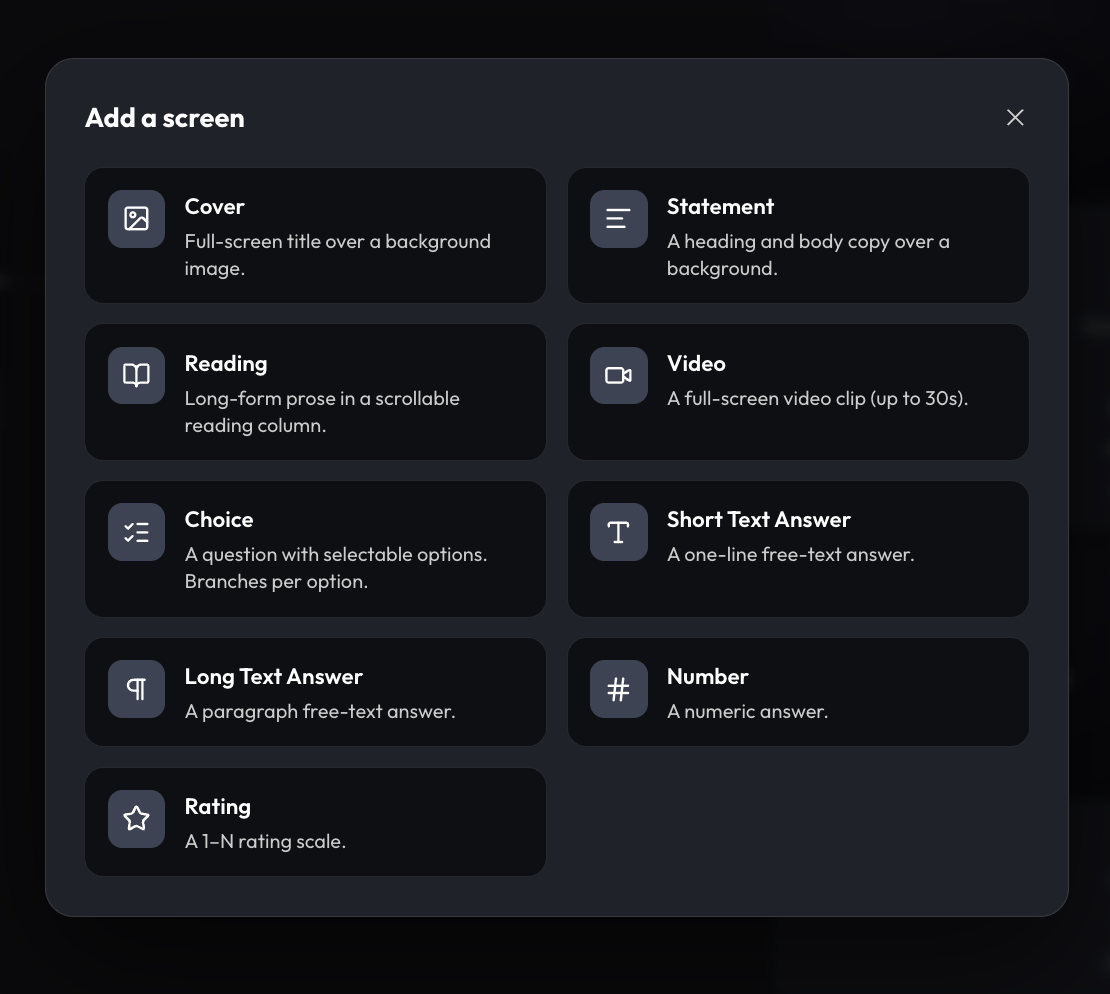
A flow is just a series of screens that the player will see. These screens can also branch depending on player choices. For game preludes, these should be pretty simple screens that just display information such as the cover image, statement, reading, or video screen types.
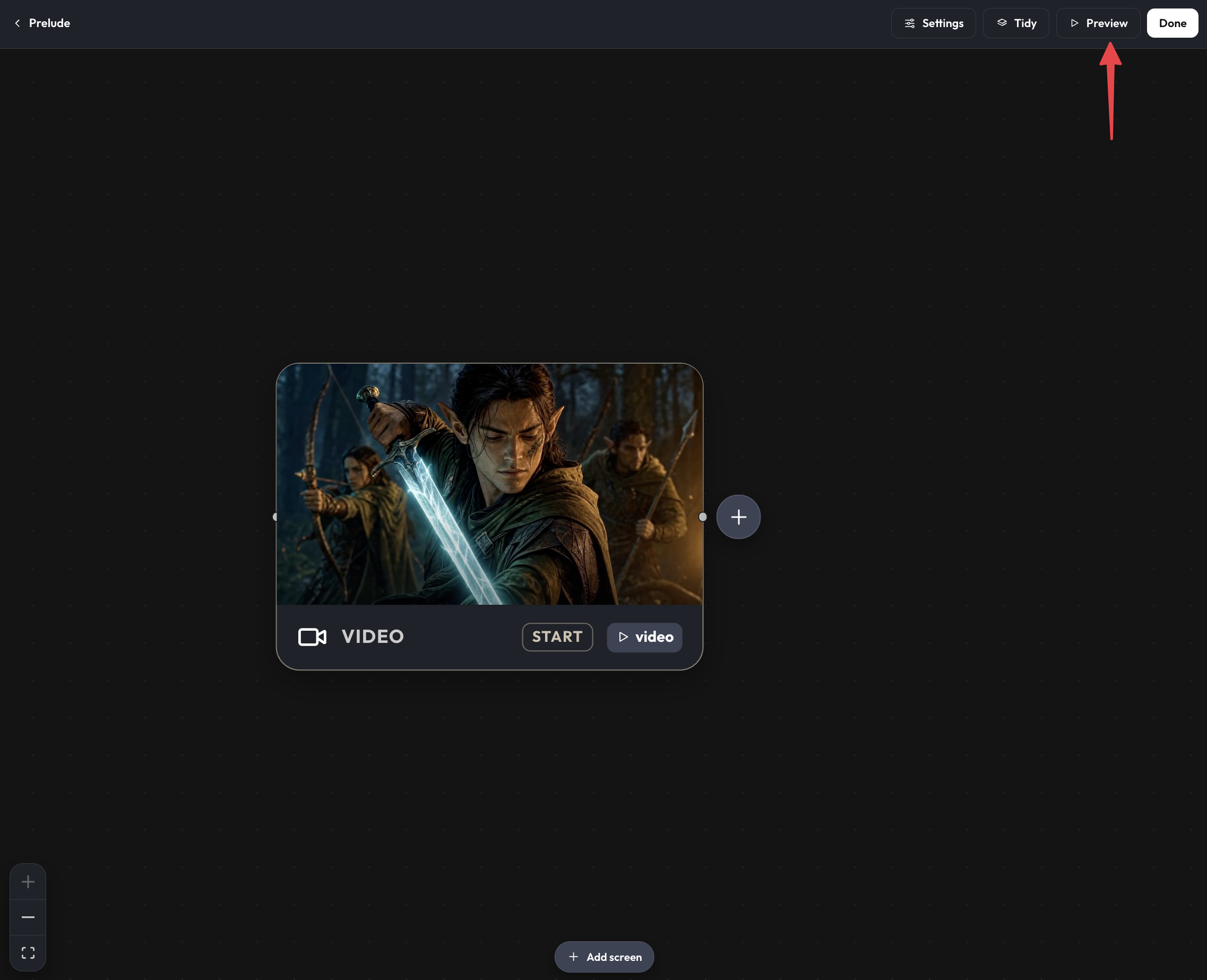
For this short example, we'll just have one screen that's a cinematic video introduction to the world, but you can chain together cover images and statements to surface more screens if you desire. You can preview what this flow will look like in both desktop and mobile screens by clicking on the preview button on the top right.
Character Creation
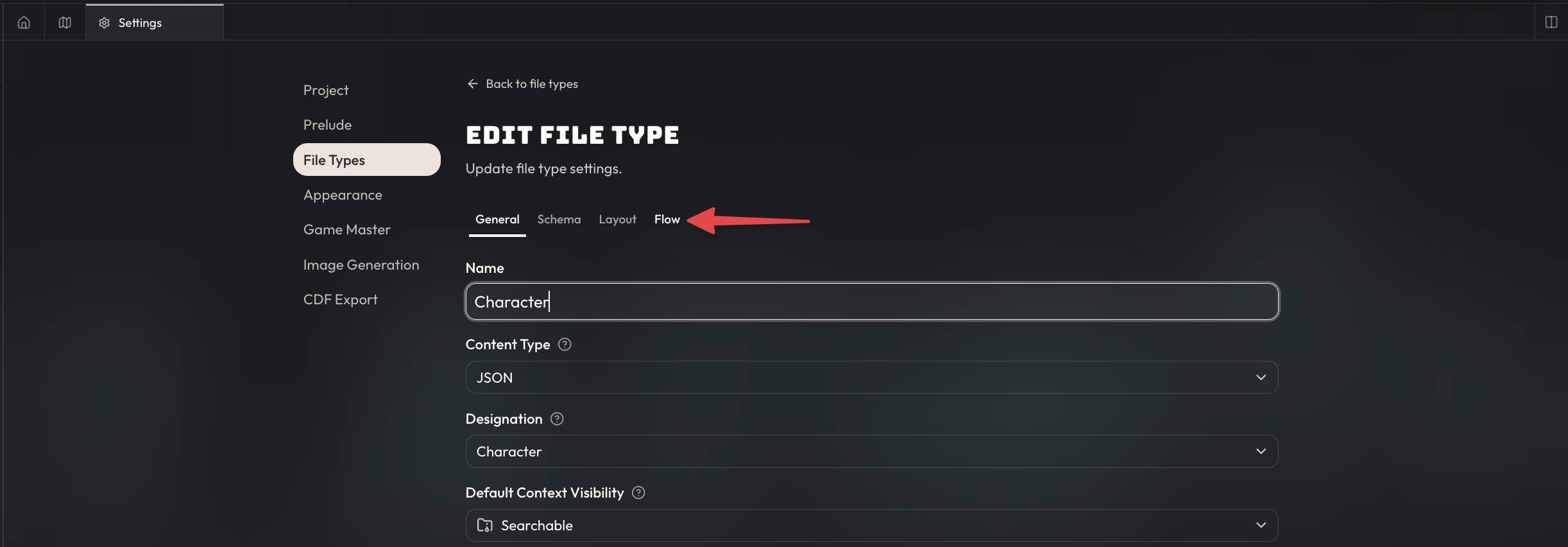
You can also build creation flows for file types; for now this is only limited to characters but will include other file types in the future. To create a flow for a character file type, go to the file type in the project settings and create a new flow under the flow tab.
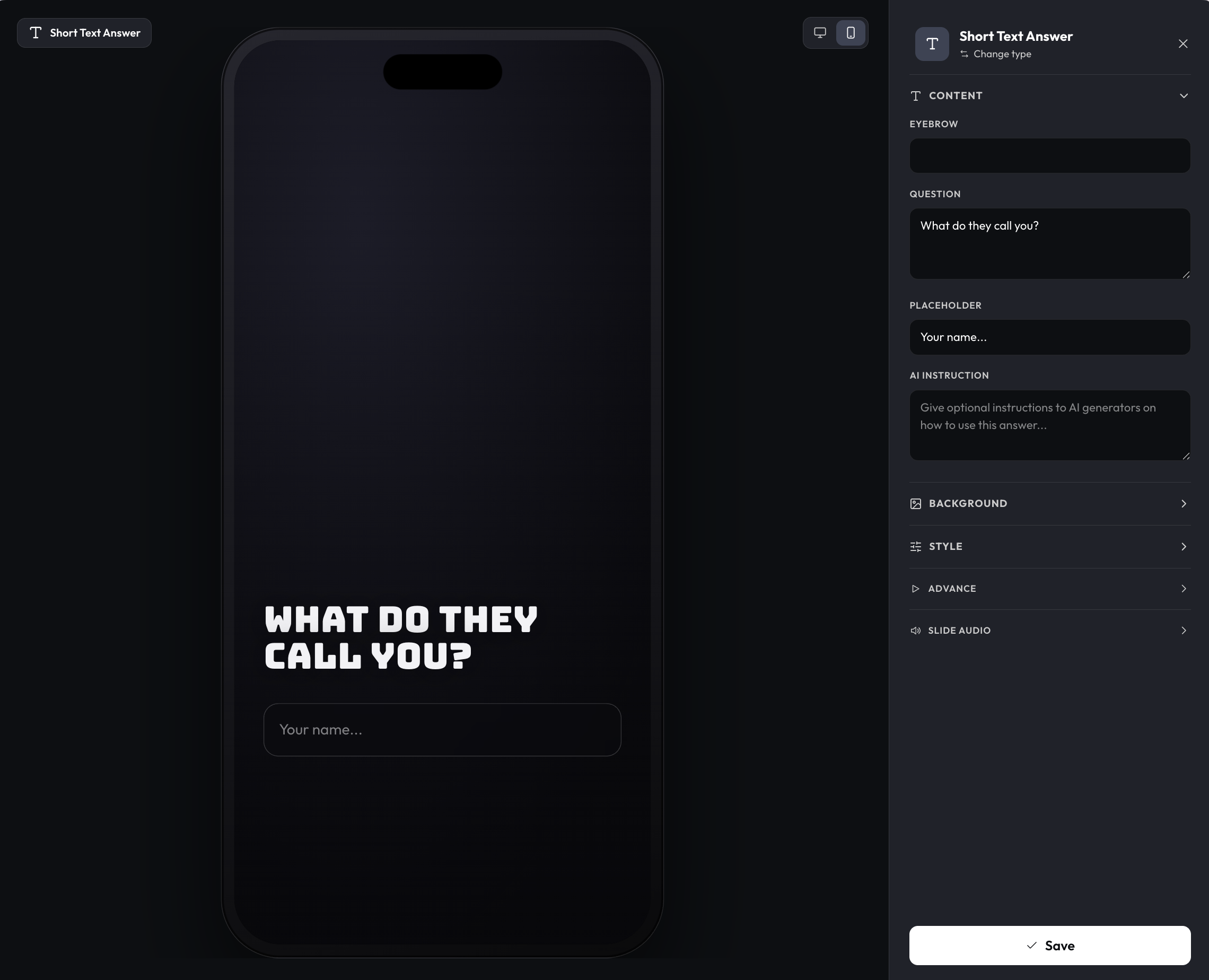
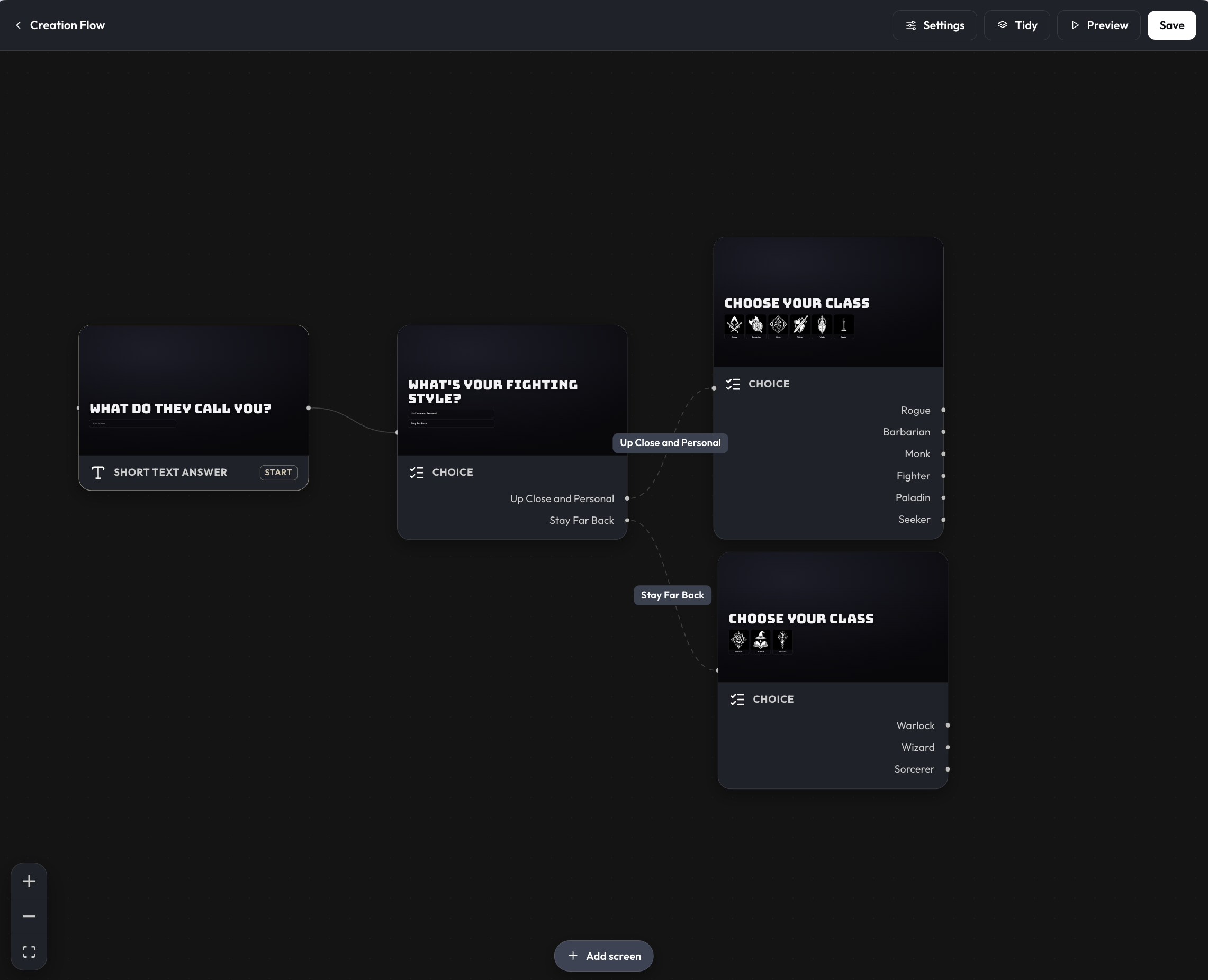
For creation flows, you can chain together input screens to gather input from players to guide the character creation process for your game. For example, you might start with a short text answer screen to gather the user's name, or include a long text answer screen to get their backstory.
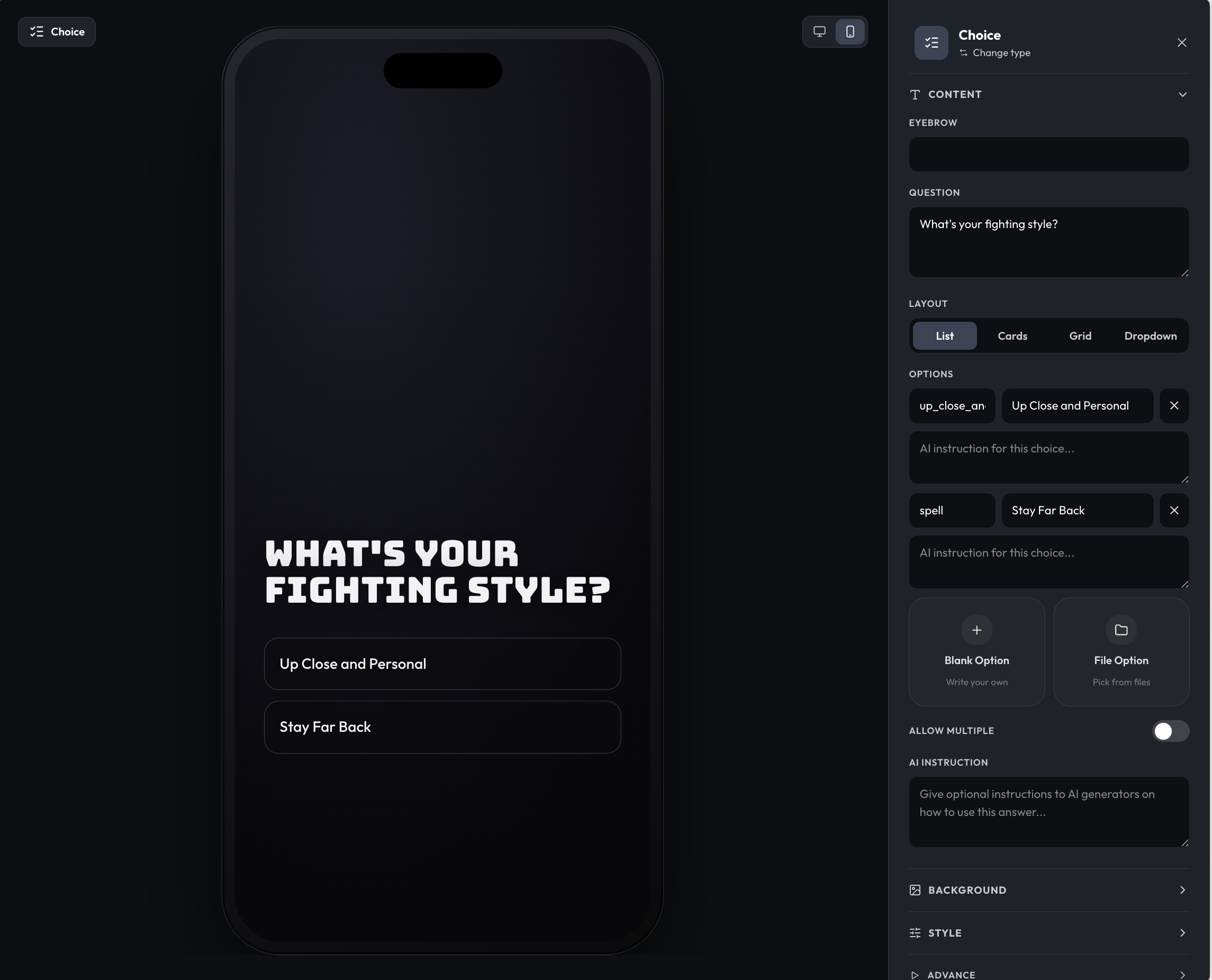
You can also use choice screens to have players select from one of the options. Choices can be simple text, or based from your existing files (e.g displaying world classes, races, factions, etc.). Recommend picking from your existing files when possible as it'll make filling out the choices much faster.
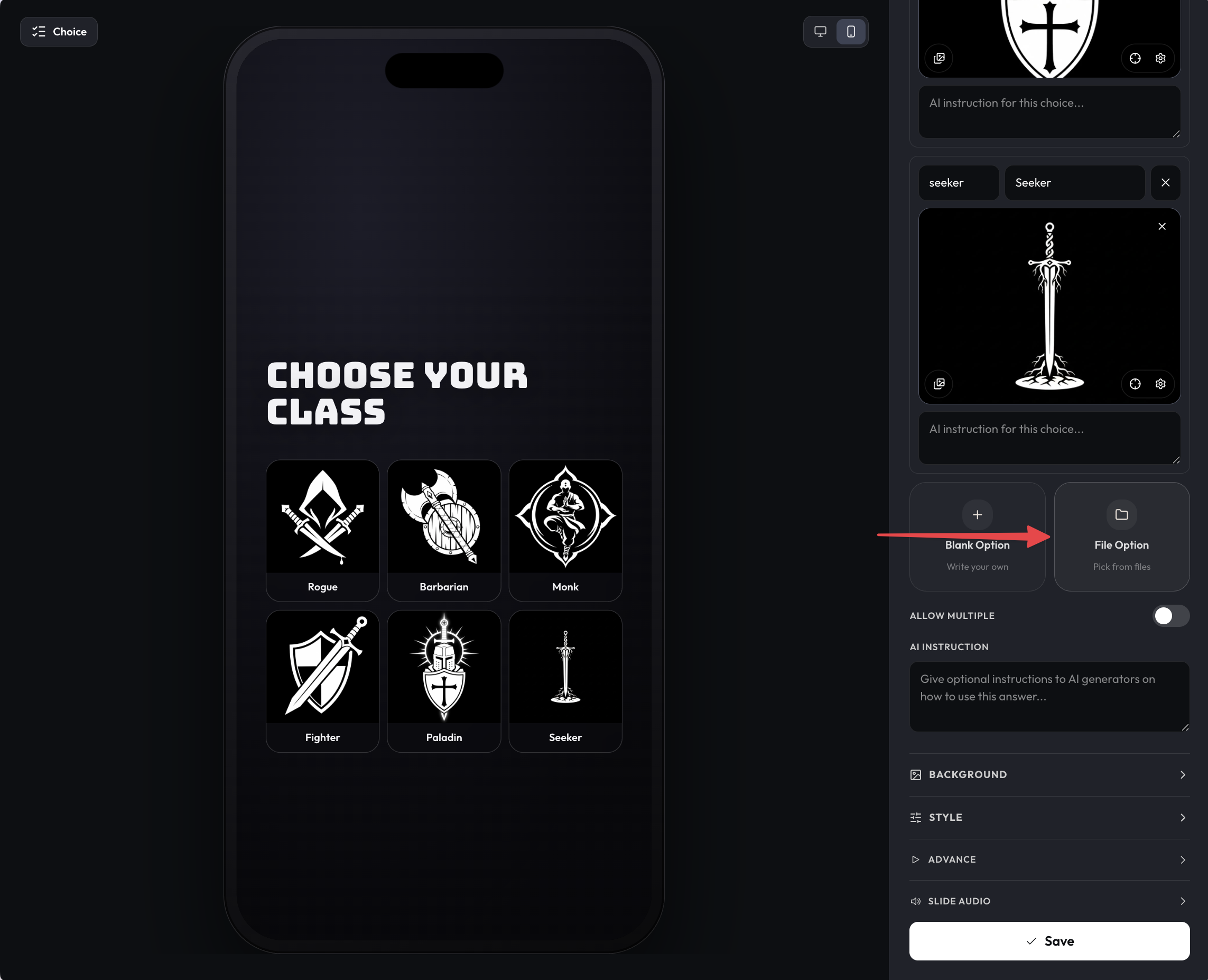
Depending on the choices, you can branch off and create different paths for players. E.g surface a different set of equipment options per class, different factions, etc.
Character Generation
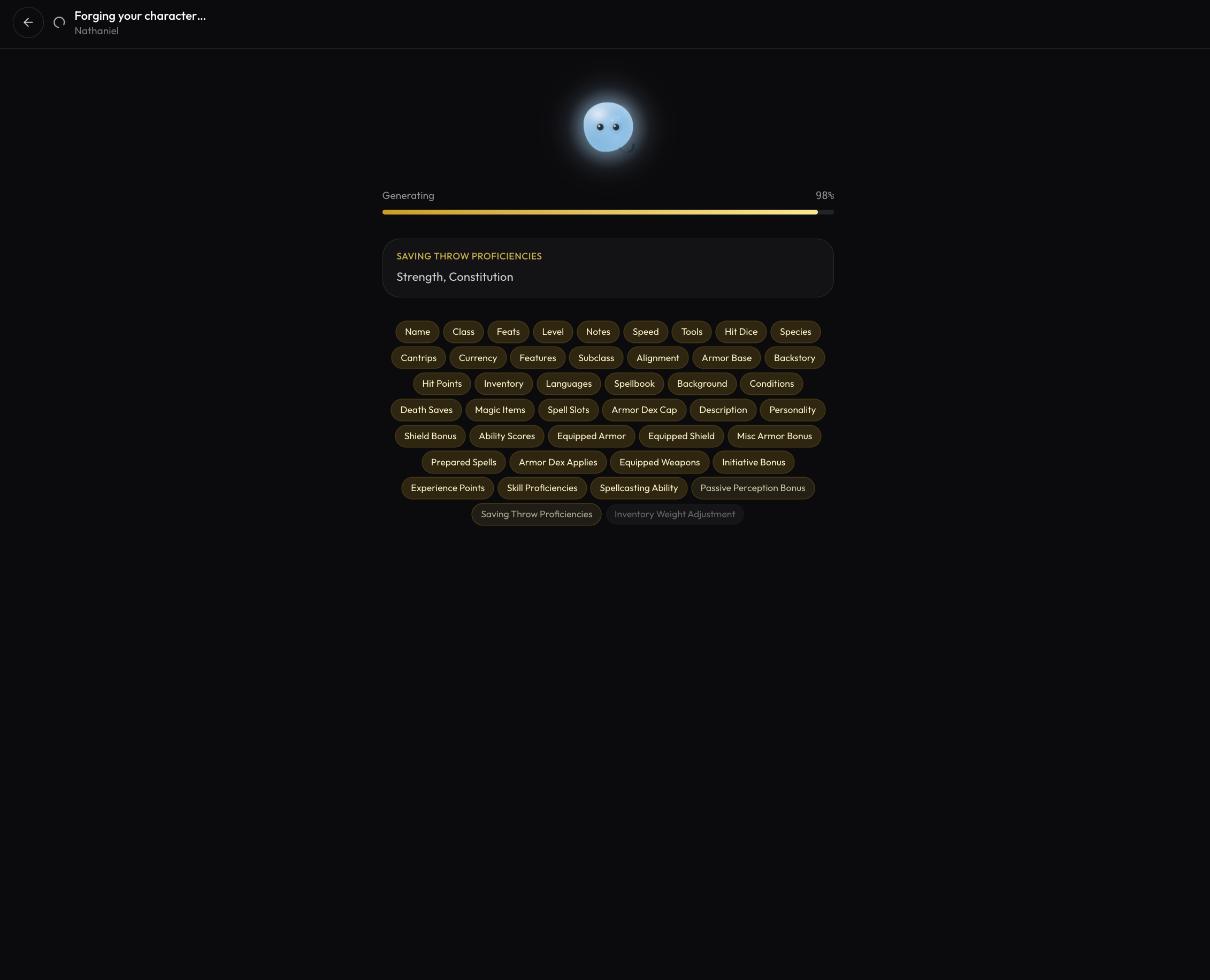
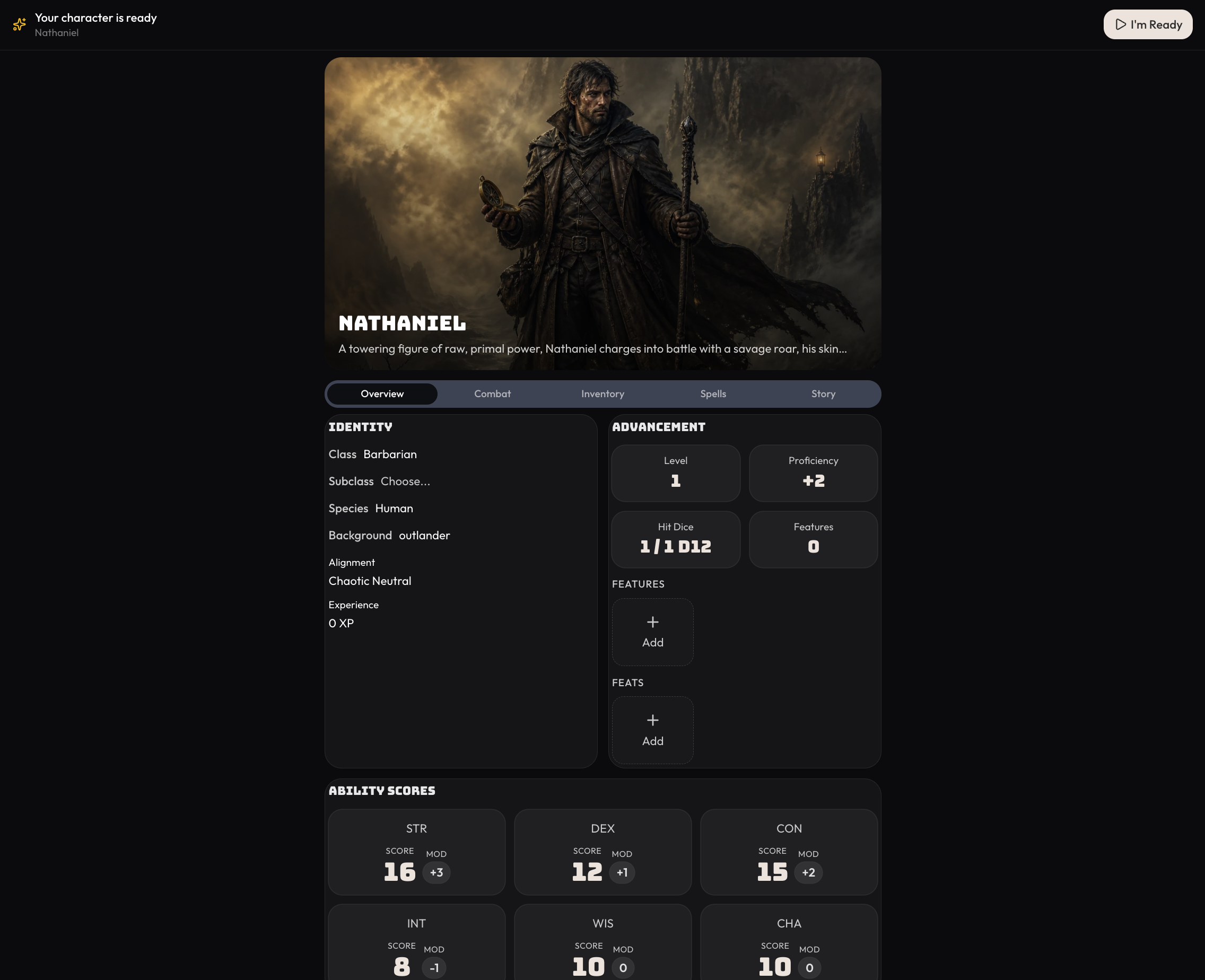
When players start a game and click 'Create your Own Character', they'll be taken through this character creation flow. Once they've reached the end of the flow, a character sheet will be generated for them, which they can preview and edit it before starting.
Recap
That's the gist of flows, can't wait to see what ya'll build! There's other things in the flow builder such as changing the screen images, style, and transition animations that wasn't covered here. In the future we'll build more tooling and also integrate flows into other parts of the experience, e.g you could have a cinematic flow that plays for the first time players arrive at an important location.
To see what flows look like as a player, try booting up a new game in Faladrim.
Other Changes
- Updated Orbit assistant context inside of games so he doesn't have the full message history in context by default, but can read and pull it in when deemed relevant to the user question.