
Patch Notes B0.036: Studio Refresh, New Video Models, More Scene Image References
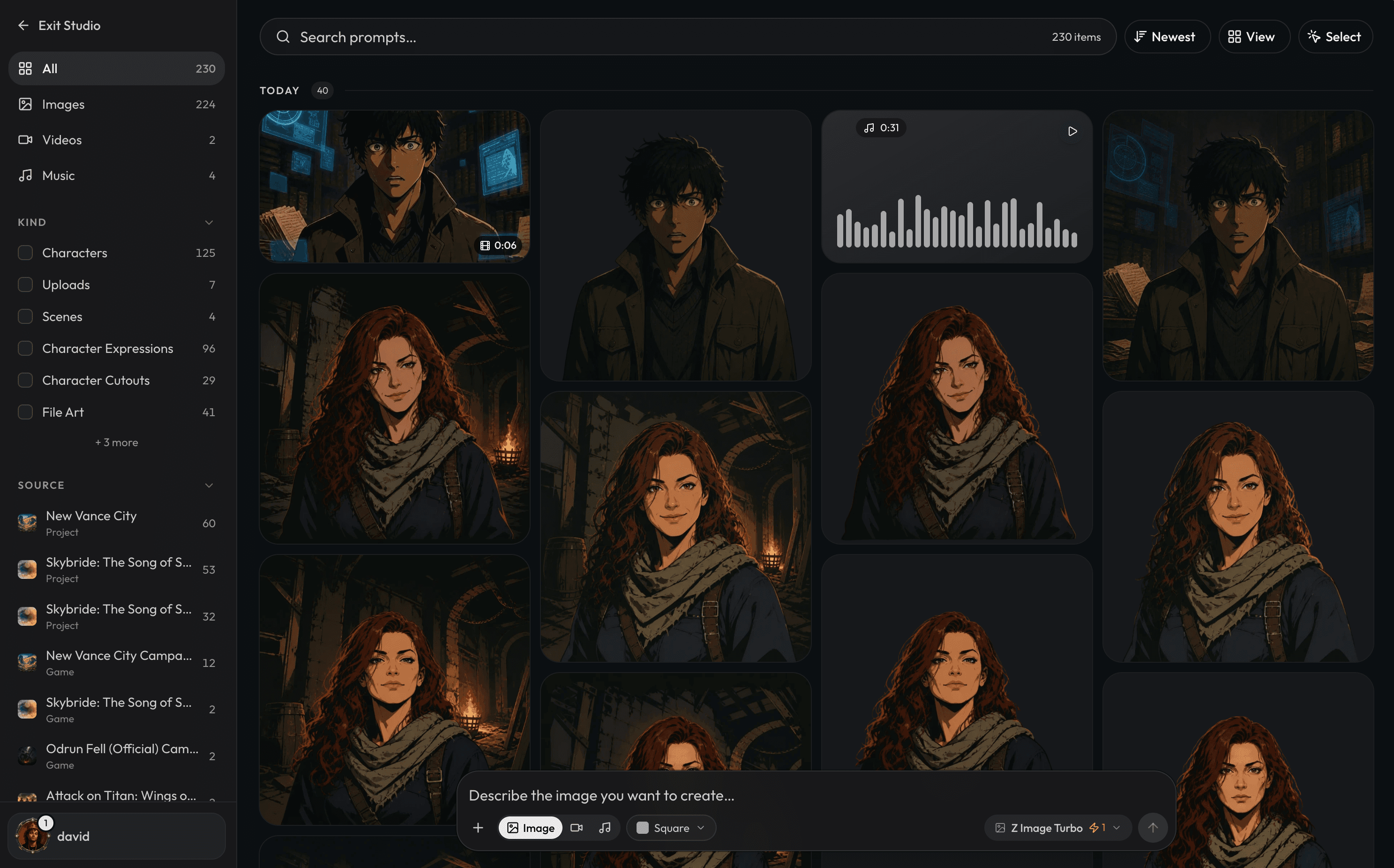
Studio Design Refresh
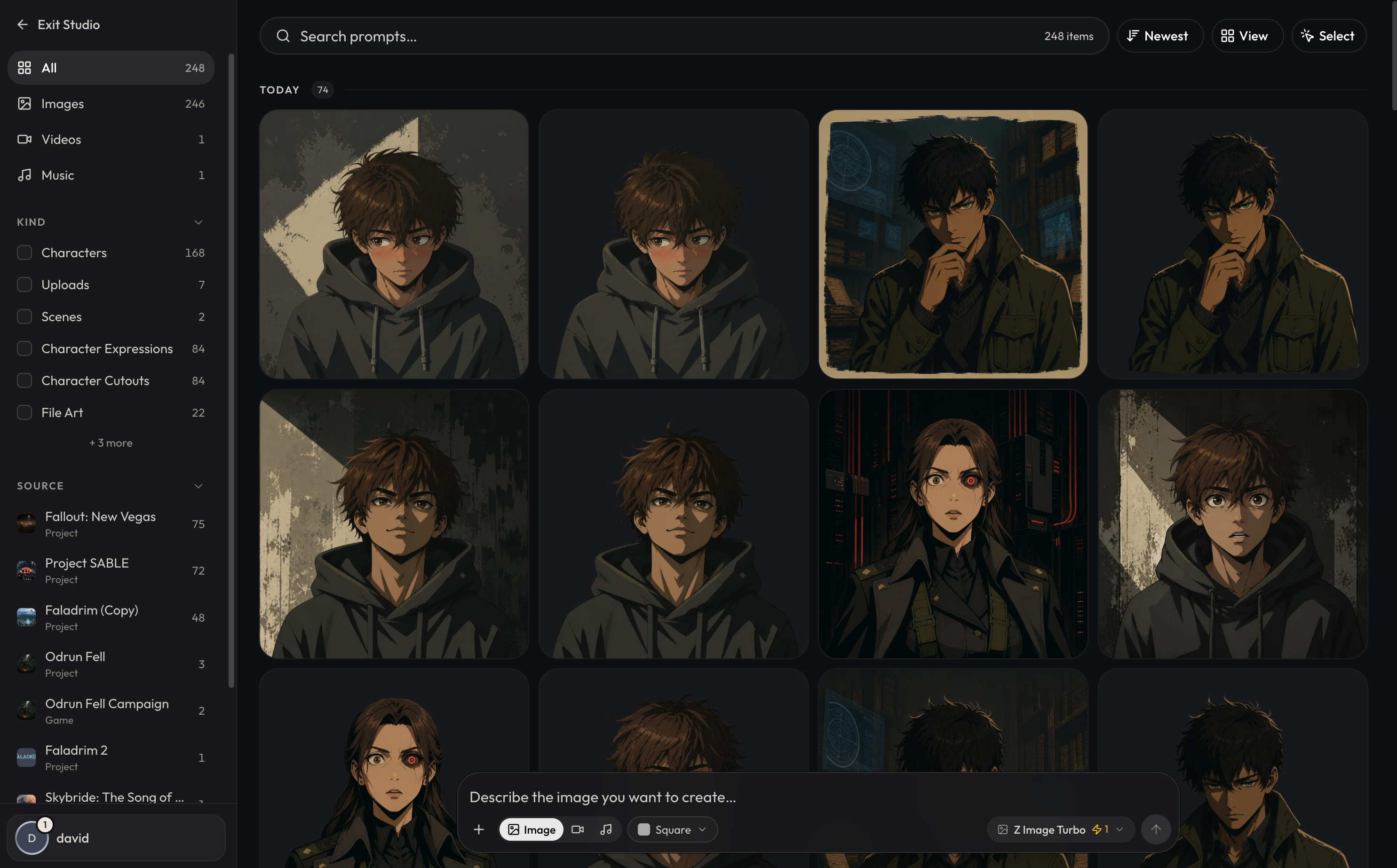
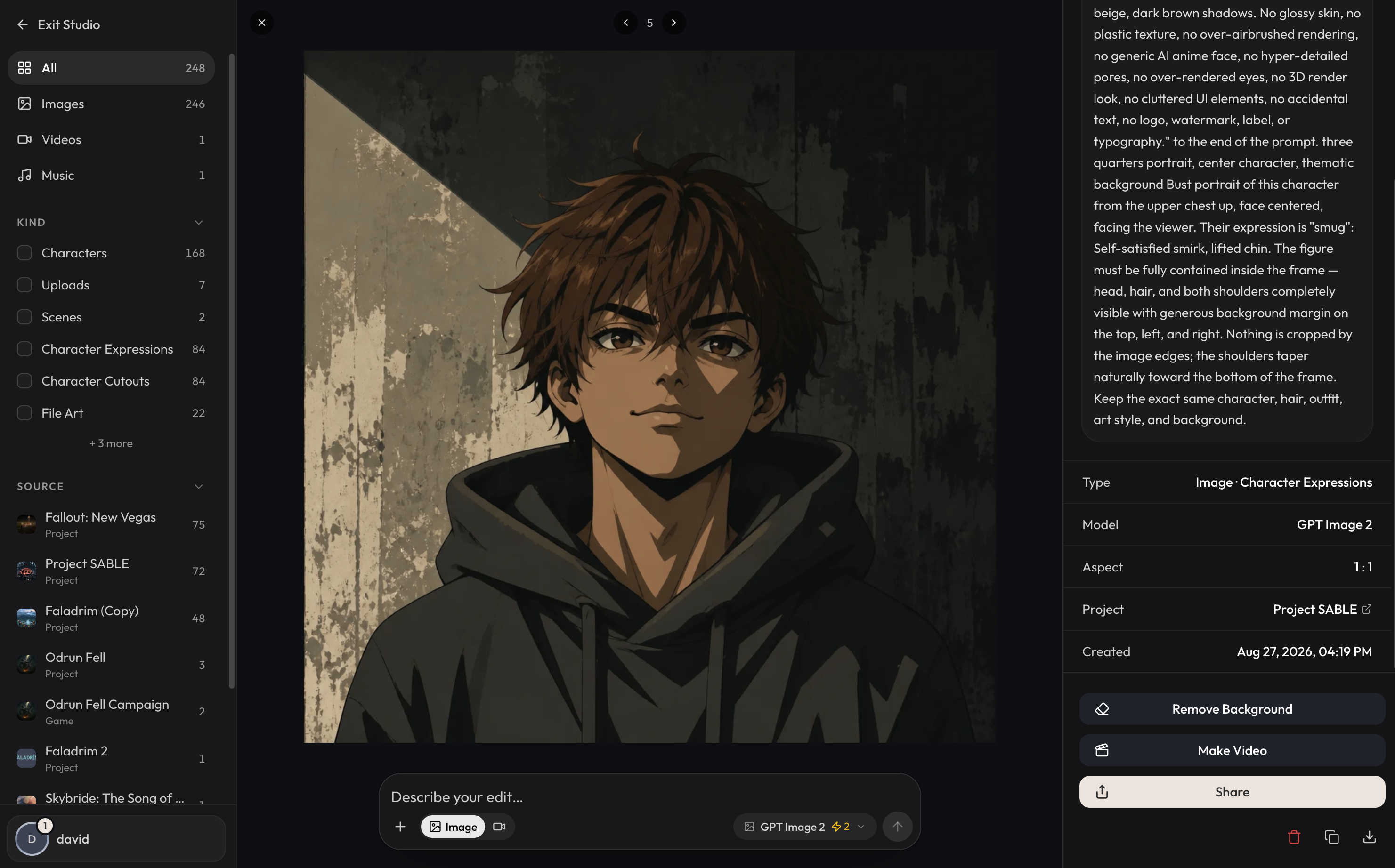
The previous studio was a quick prototype from early closed alpha, it's now gotten a proper design refresh to look much better! Here's some new things you can do in the refreshed Studio:
- You can now search via prompts
- New images have the source they came from attached to them, and you can filter for content generated by source (i.e project / game). New images and media should be correctly tagged, we did a best effort backfill for already generated content but previously generated content before this patch may be missing the sources.
- You can now filter generated images by the kinds they are such as 'scenes' or 'character expressions'
- You can now directly make videos out of generated images.
- You can now share links to generated content in your studio, e.g: https://www.craftrpgs.com/video/01a045b9-921f-765c-9357-42836e44d873
- You can more easily edit generated images when clicking onto them.
New Video Models: MiniMax H3 Max & Gemini Omni Flash
You now have more options when generating videos with MiniMax H3 Max & Gemini Omni Flash.
H3 Max
H3 Max is the highest quality video generator available and it's also extremely fast. It's the new default video generator and until September 1st its generation costs are 50% off! At only 42 energy to generate a 768p video, now's a great time to try out video generation if you haven't in the past. Here's a quick sample scene video from H3 Max:
Gemini Omni Flash
Gemini Omni Flash 1.1 has also been added, which is a more expensive option that has the ability to generate videos in 1080p and 4k resolution. It also has the ability to do video to video editing. Please note though that Gemini Omni Flash is a much slower video generation model and it can take some time for the generations to complete. For most tasks, we recommend using MiniMax H3 Max.
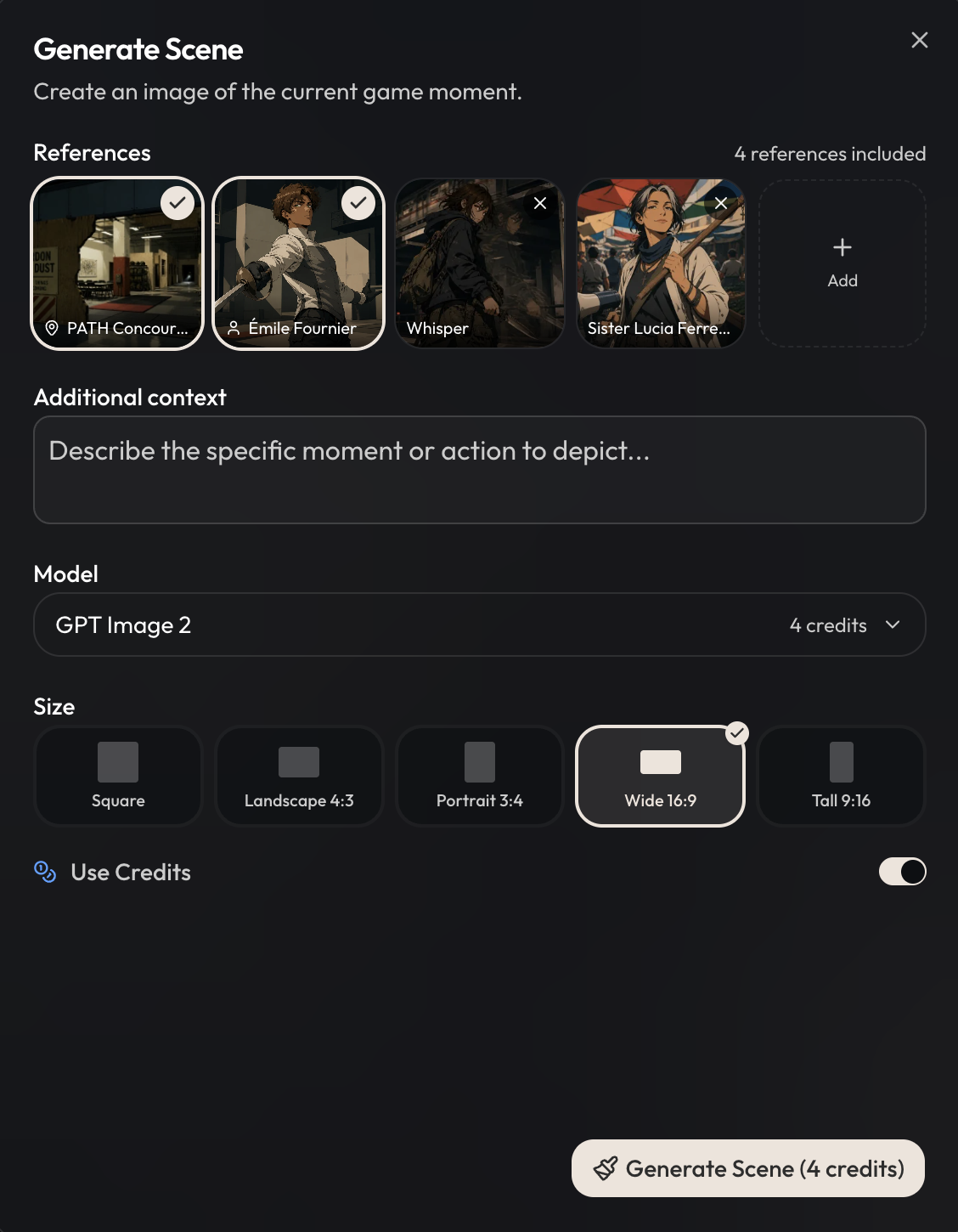
Add More Image references to Scene Generation
You can now add up to 3 additional image references when generating a scene, as well as being able to generate scenes with Nano Banana 2 or Seedream V4.5. When using GPT Image 2, additional reference images beyond the first 2 require an additional 1 energy/image.
Trash for Projects & Games
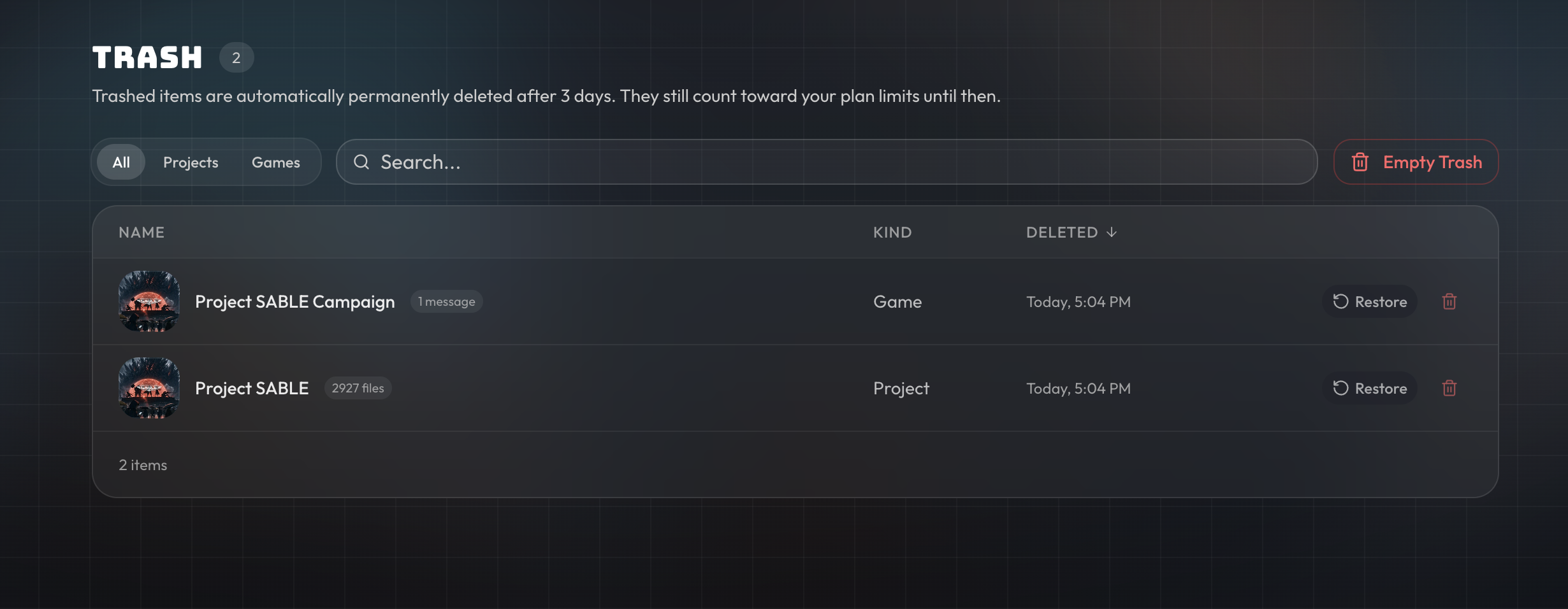
We've noticed people accidentally deleting their projects even with the confirmation modal, so projects and games instead now immediately get soft deleted and moved to a trash bin. Trashed projects and games still take up slots unless they're permanently deleted, and will be automatically permanently hard deleted after 3 days in the trash.
Other Changes
- Hy3 has been rotated out of the Core models and been replaced by GLM 5.3 Flash which used to be 0xAlpha.
- Added Krea 2 Turbo as a text to image model option. This model is also high quality and blazing fast at generations.