
Patch Notes B0.026 - Systems & More
Introducing Systems
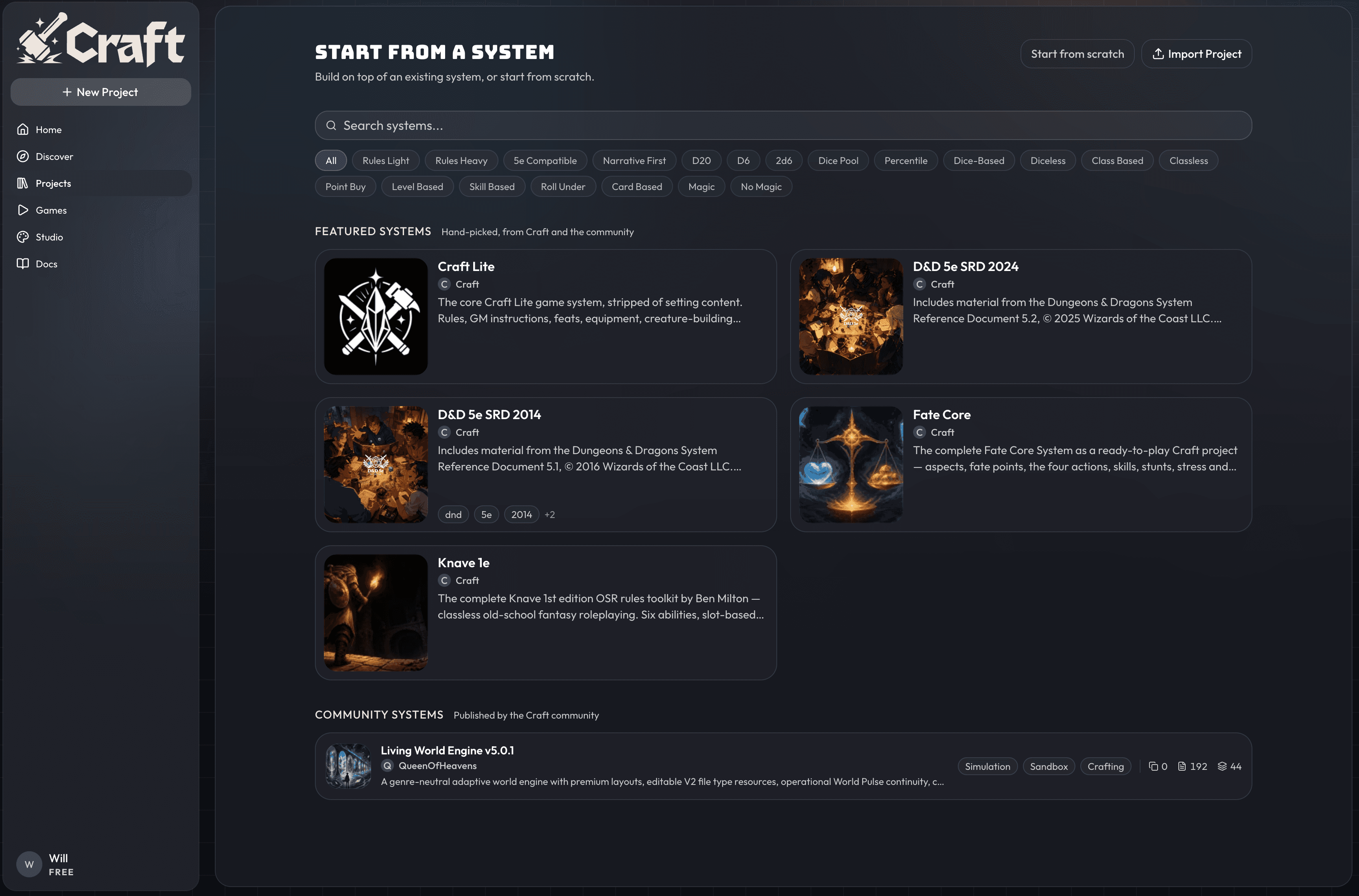
This update changes how we think about and organize content in Craft. Until now, people have been publishing game systems as packages, and that never felt quite right. To fix that, we're updating the way we handle projects in Craft. Projects can now have a type of either being a system or a world. Systems are a new concept which we'll explain below, and worlds are basically what projects have been up until now.
Craft Hierarchy
Here's the new vocabulary for content in Craft, from lowest level to highest.
Systems are the foundation for most content in Craft. 5e is a system; GURPS is a system. A system should generally contain three things: file type definitions for key concepts like characters and abilities, rules and instructions, and any basic content needed to run a game (think the 5e SRD). A good system gives a world builder everything they need to fill in and build a world on top of it. Systems act as templates: you should be able to browse many different variations of 5e systems and pick the one you want to build your world on.
Worlds are ready-to-play content, usually built on top of a system. If 5e is a system, Eberron is a world. The system defines the shape of a character (six ability scores), while the world defines the characters themselves (what those scores are for each character). A world should be filled with locations, characters, and other content so someone can jump in and start playing.
Projects is the parent term for systems and worlds. Both are considered projects, but they're treated slightly differently: worlds are playable content (and cloneable if the creator allows it), while systems aren't playable and are meant as a starting point for building worlds.
Packages still live inside projects, but they're now meant primarily for smaller packs of assets or instructions. Use packages to share and import asset packs, like a package of Flora and Fauna, Potions, or Mechs. You can also use packages to share groups of instructions. If you've published a full system as a package, we recommend taking it down and republishing it as a system.
Games are the actively played state of a world. When you hit the Start Game button on a world, you've created a game.
Discovery & Publishing + New Project Flow
Projects are now split into worlds and systems, so you can publish your project as either or, and you'll find the Discover tab has new views to view worlds or systems separately.
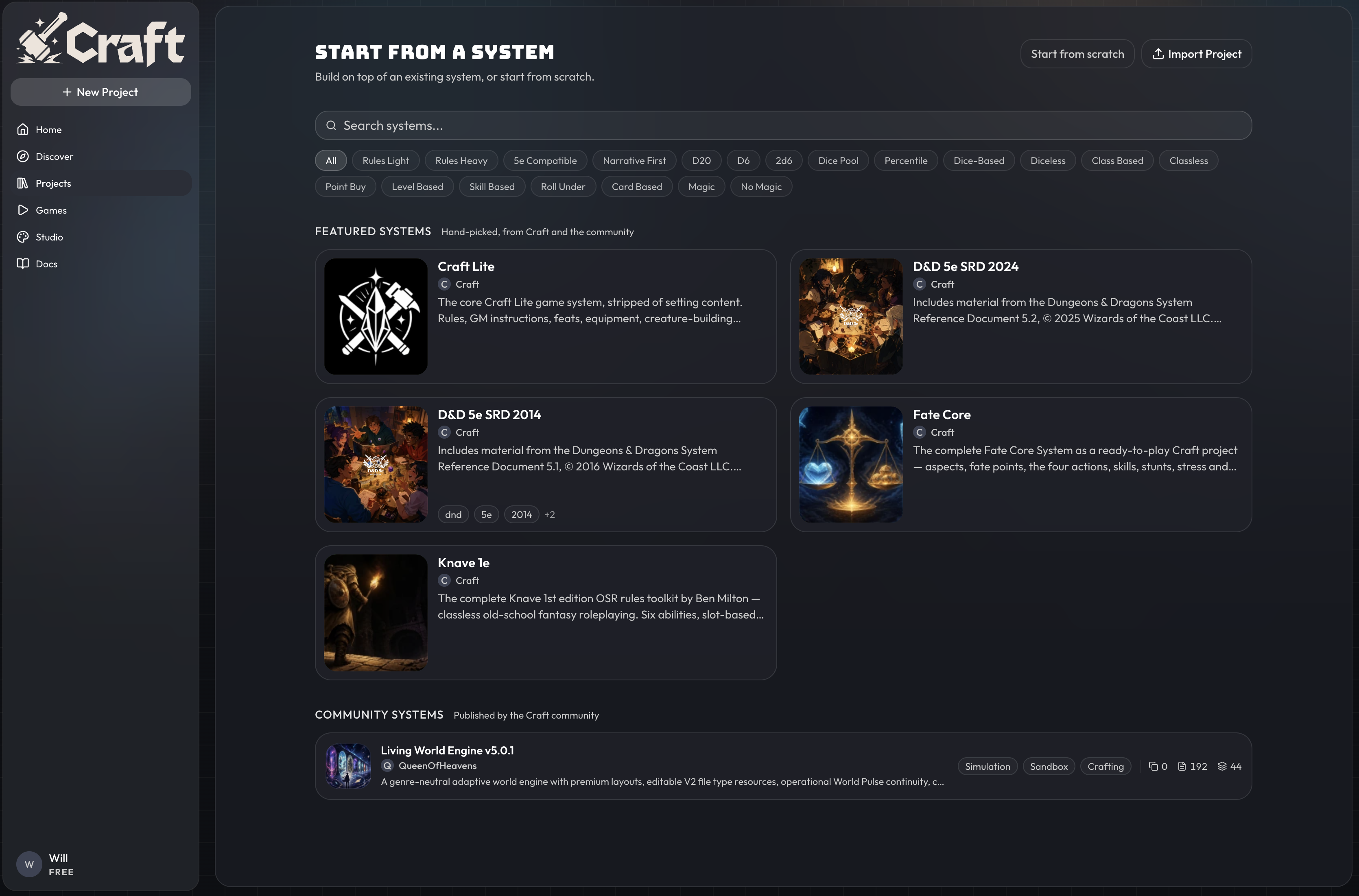
The new project flow has also been updated, so you can easily start a new project from one of our featured systems, or find a community system to start with. There's only one community system published right now, so go get yours on the list!
For anyone who has their world + system built together right now, we recommend you copy your project and create one world version and one system version. You cannot publish a project as both a world and a system at the same time.
New to Projects: Player's Handbooks, Builder's Manuals, Compendium
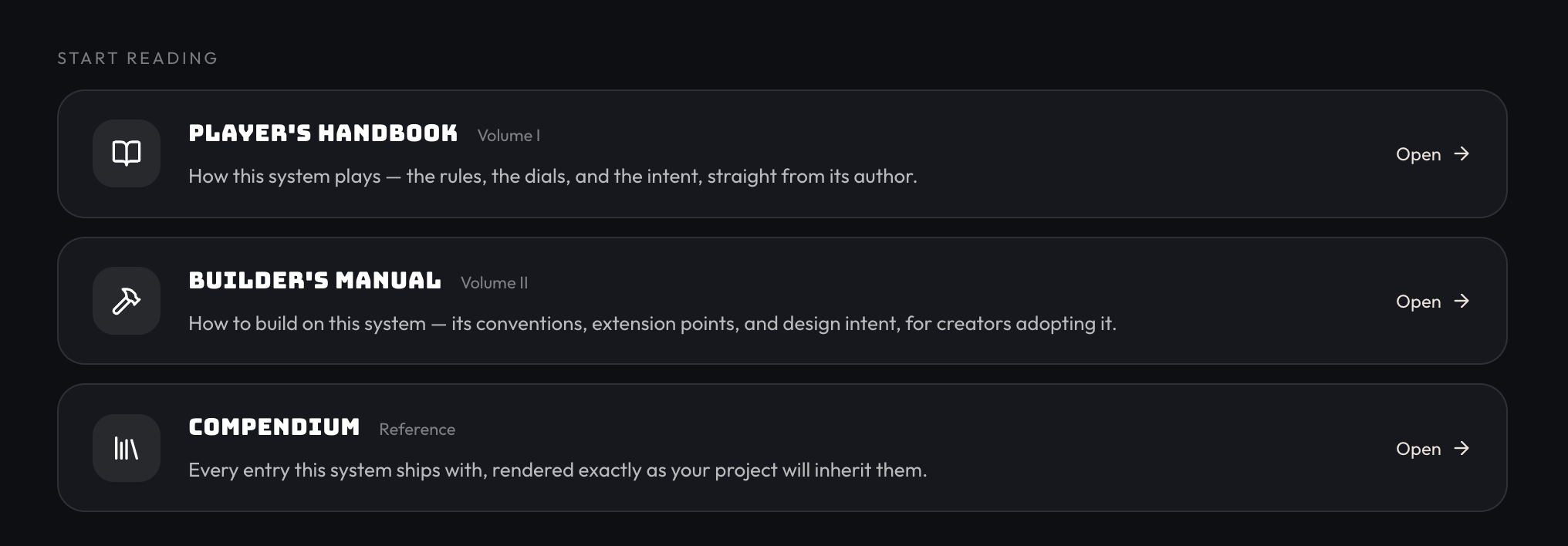
We've added slots for you to write a player's handbook and builder's manual. Use these to help new players understand how to have fun with your system, and to teach builders how to add content on top of your system. The compendium is a new view of all of the files and file types in your project.
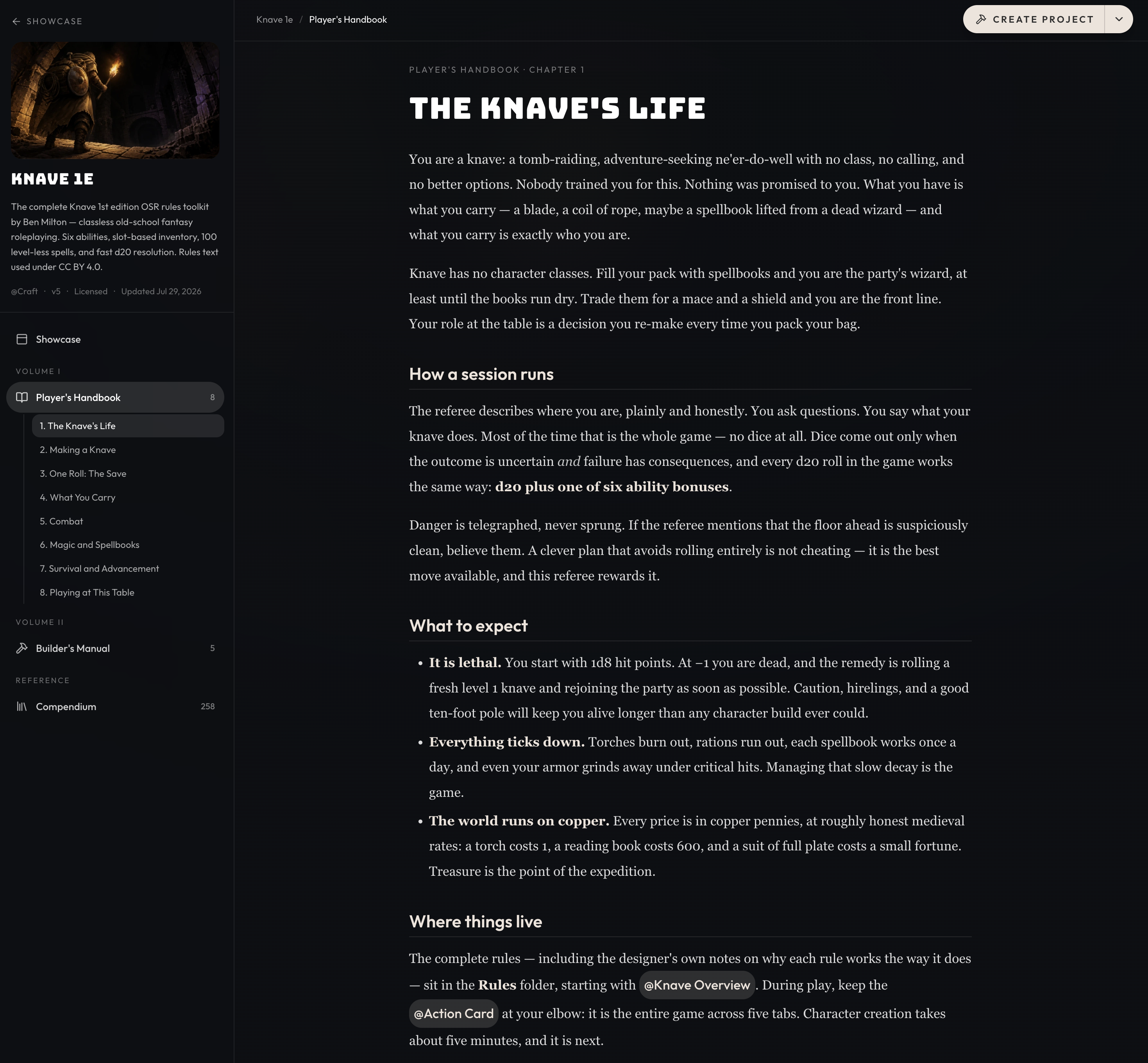
Below, you can see a new view for reading the player's handbook or Builder's Manuals. Orbit and the CLI both have instructions for writing these, so you can quickly spin up this content for your existing projects.
Project Tags
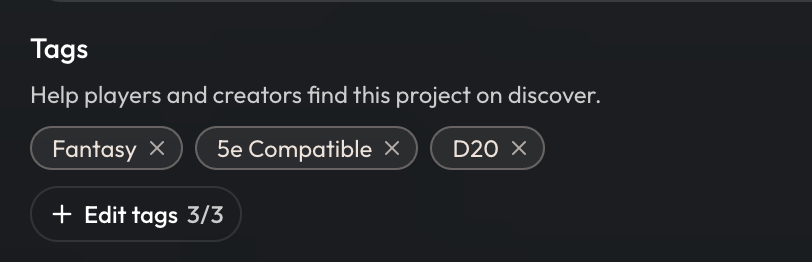
You can now add up to 3 tags to help categorize your projects. These tags will be visible on the project card on the discover page, and in the future players will be able to filter the discover projects via tags. To modify your project's tags, go to the project settings.
UI Adjustments
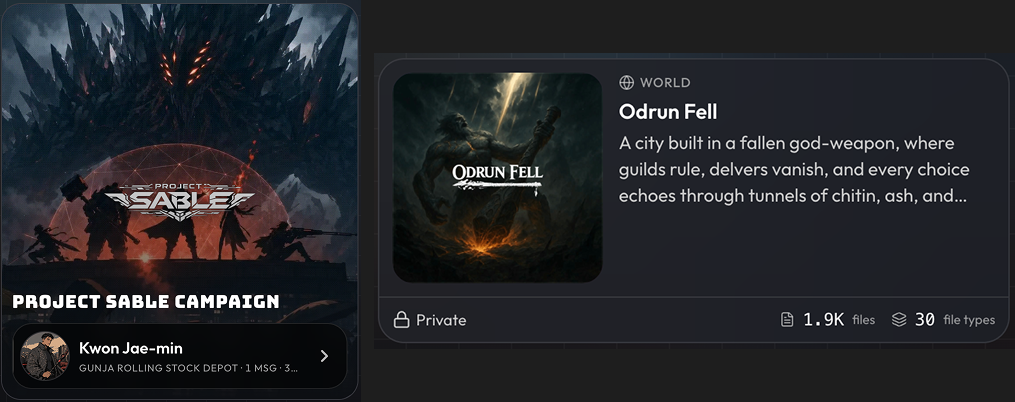
- We've updated the look of project and game cards, they should now look more distinct from each other and display more useful information. Game cards now show your current character, location, and number of messages in that game. Your project cards will now show the project visibility and the amount of files and file types the project has.
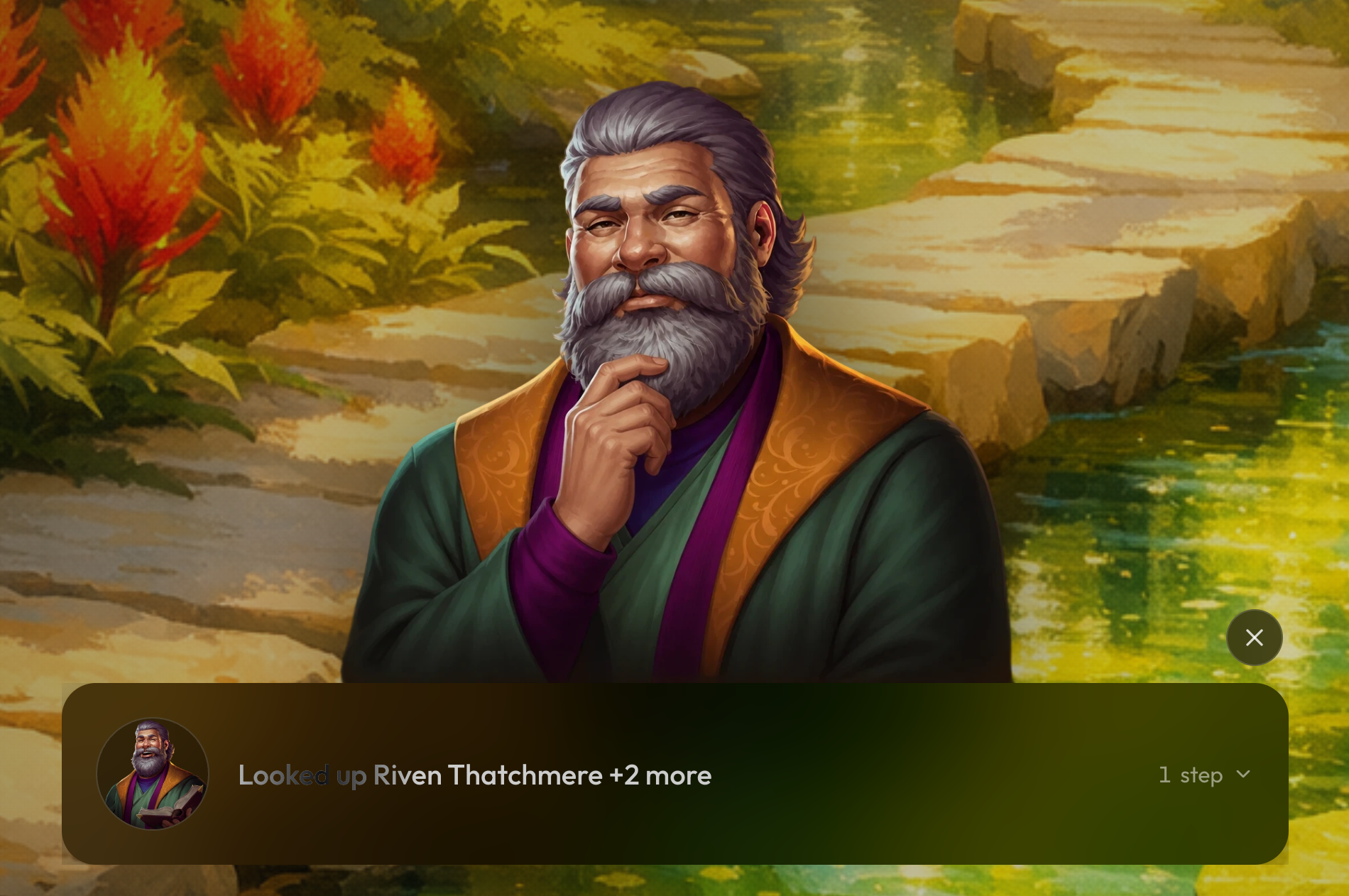
- In visual novel mode, the GM loading state will now show the GM avatar, as well as the 'thoughtful' expression or the portrait cutout, if they exist.
Improvements and Fixes
-
Orbit can now generate preludes and character generation flows, as well as manuals.
-
Fixed image saves failing in some older projects.
-
Deleting a project or game now asks you to type a confirmation phrase, and states whether you are deleting a game or a project.
-
Improved browsing on phones — game cards become full-width banners and pages make better use of smaller screens.
-
Craft CLI v0.1.4 can now create new projects using systems. Just ask claude code to "create a [system] project with craft cli"